Introduction
A section visually associates a set of actions. Sections improve understanding and clarity by visually organising actions, making complex workflows easier to follow and interpret.
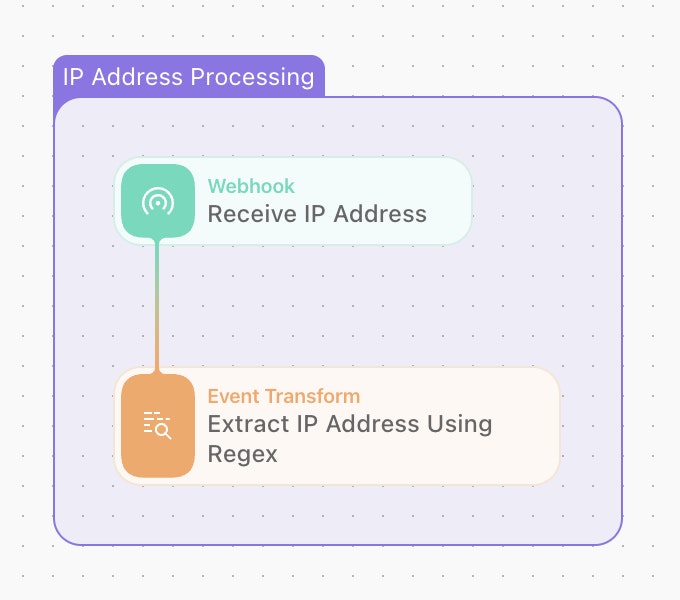
Creating a section
Sections can be added to a story by navigating through the "Tools" menu on the left side of the storyboard and dragging a new Section into the story. You can also use the keyboard shortcut S.
To resize a section, drag on the edges of the section to your desired height and width. You can also select the section color via the color picker in the menu bar.