Case sidebar
The sidebar keeps essential tools and context within reach while you work. Customize it to fit your workflow by reordering sections and chosing which case tools are displayed.
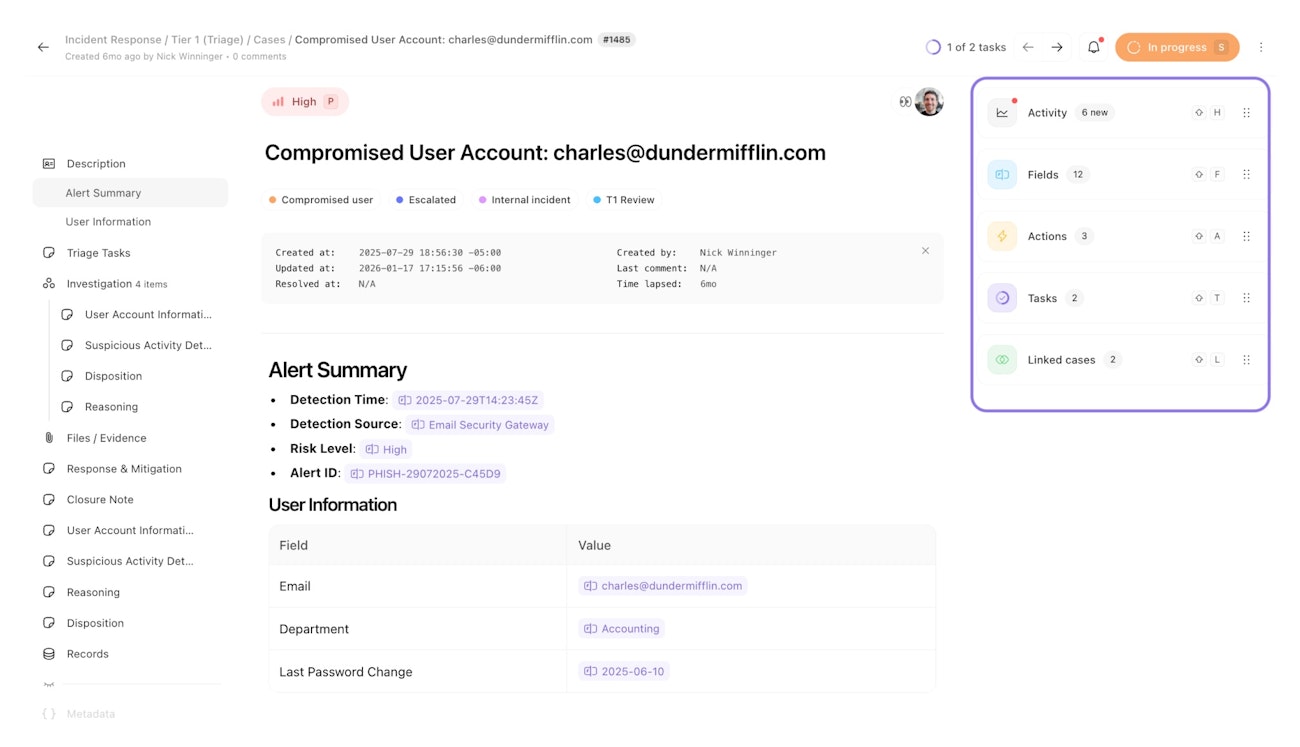
Interacting with the sidebar
Click each section header of the sidebar to show or hide the section's details. When a section is collapsed, you can then drag the section up and down to prioritize what's important to you.
Configuring the sidebar
Sidebar customization is saved locally in your browser. Your section order and expand/collapse preferences persist across all cases, case groups, and teams.
The sidebar's configuration cannot be centrally managed.
Resizing the sidebar
Adjust the sidebar width by dragging the divider between the case content and sidebar. The sidebar can expand up to half your window width.
Hide and show the sidebar
Use the case options menu in the top-right to hide or show the sidebar. Alternatively, use ⌘ + ] (Mac) or ctrl + ] (Windows) as a keyboard shortcut.