Publishing and versioning in Apps
Apps use manual versioning, so you control when changes go live. Each version becomes a restore point that can be accessed or rolled back to at any time. Experiment and iterate freely; your changes won't affect live Apps until you publish. Note: Versions do not include workflow changes.
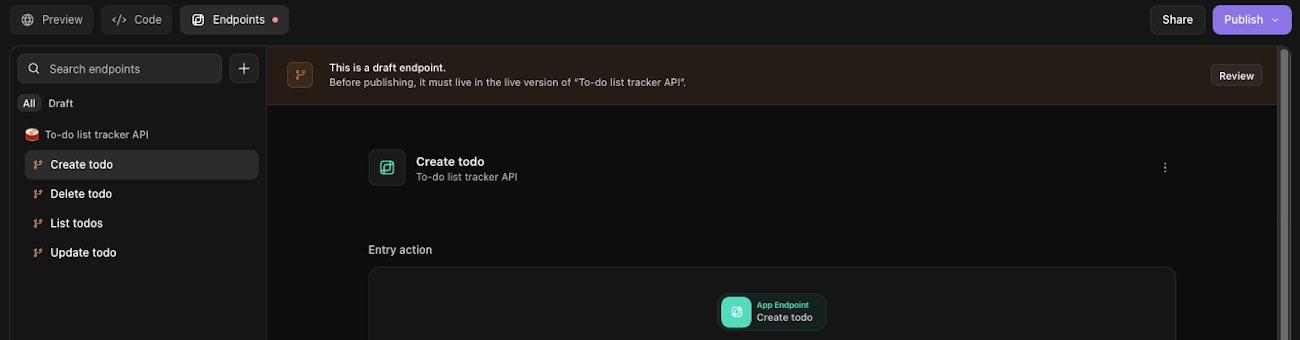
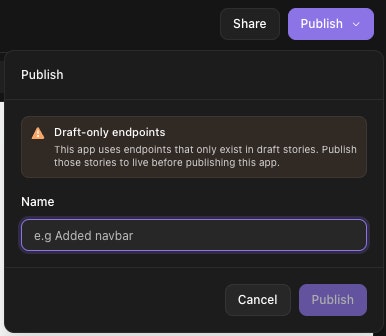
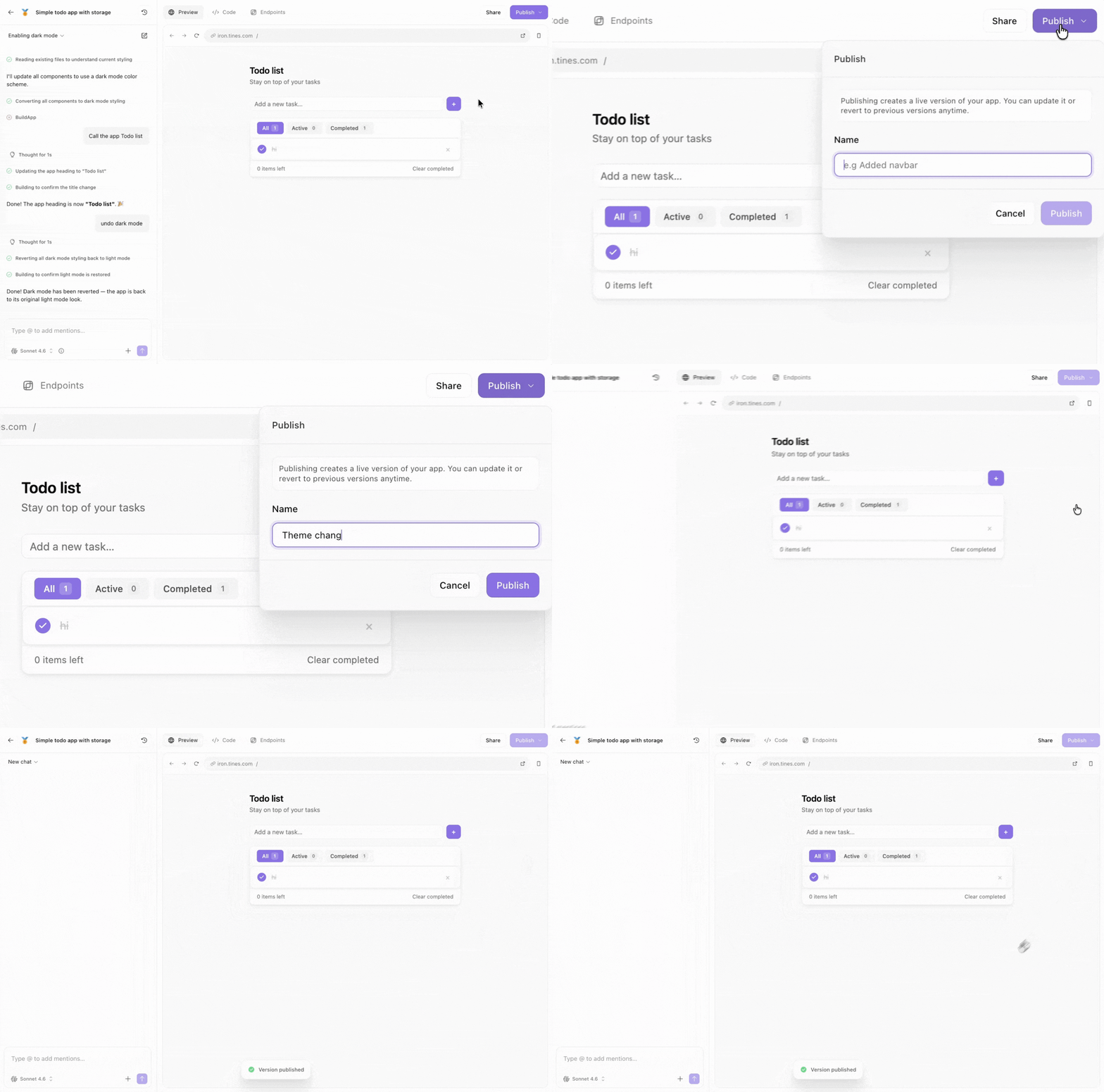
Publish a version live to make it visible to your App's end users by clicking the Publish button at the upper-right-hand corner of your builder window.
Draft state
All changes made to an App exist in a draft state
Draft changes are not live
Users can freely edit prompts, logic, and configuration without affecting end users
Version history
Manually save a version by clicking the arrow next to the Publish button at the upper-right-hand corner of your builder window -> Save version
Publishing directly from a previously unsaved draft will create a version
Versions are stored in chronological order
Older versions can be reverted to, renamed or deleted entirely
Compare versions side by side
Published version
A published version is the version of your App that is made live and visible to your end users
Published versions can be renamed
Unpublish your live App by clicking the arrow next to the Publish button at the upper-right-hand corner of your builder window -> Unpublish
Restoring versions
Users can revert/rollback an App to any previously saved version
Restoring replaces the current draft with the selected version
Restoring does not delete newer versions
Discarding draft changes will revert to the latest saved version