

May’s releases focused on giving you more control over AI, greater transparency into your environment, and a workspace built to scale with you. Take a look at what we shipped.
Small update: Story copilot is now “Workbench” for a simplified experience. It unifies our assistant functionality under a singular identity, Workbench. Nothing about the functionality is different.
💥Highlights of the month💥
Introducing Apps
Building just got more fun with Apps.
Until now, stories and pages have handled the logic and interactivity of your workflows. Apps takes it a step further by giving you a dynamic front end to your stories and data in Tines.
You can build web applications through a natural language chat interface; just describe what you want, and Workbench builds it. Apps generate a full file system of code, so you can review and edit what’s produced.
Learn more about what you can create with Apps.
Govern your AI, end to end
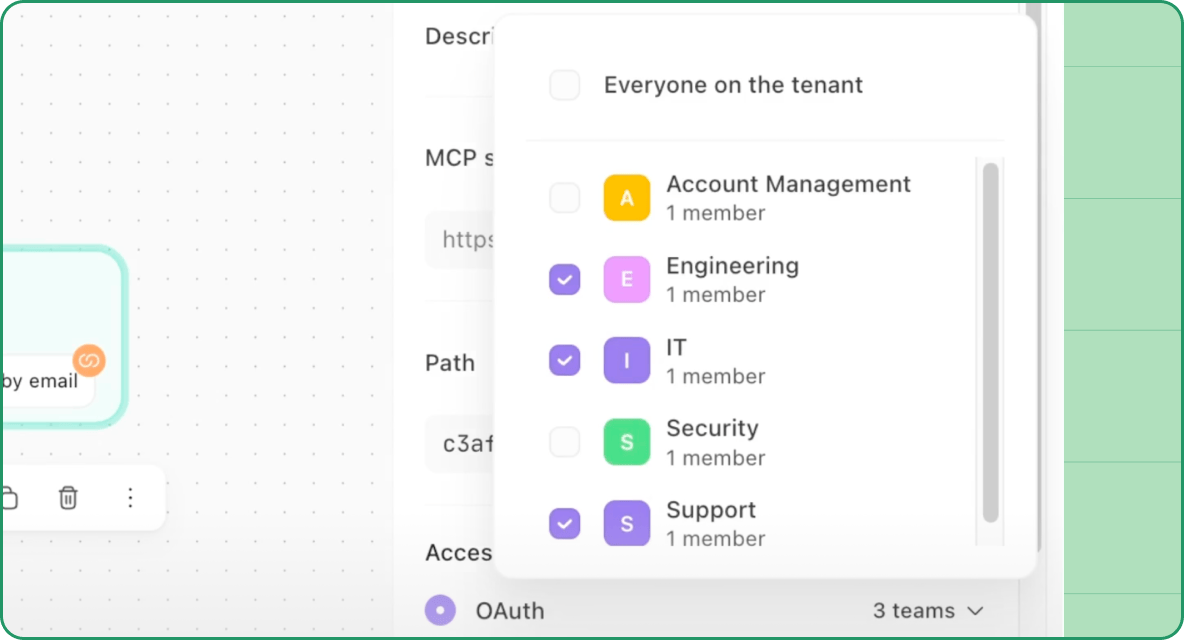
We amplified Workbench’s capabilities and gave you more control over how it runs across your tenant.
Bring your own stack: Onboarding a new vendor or migrating an integration library no longer means hours of manual template work. Upload an API spec and Workbench handles the rest with your confirmation required at every step.
MCP tool support: Call tools from any remote MCP-compatible server directly in Workbench, alongside your existing template and story-based tools. Use multi-team access control to restrict which teams can access which MCP servers.
All Workbench experiences consume credits: We’ve expanded AI credit allocation options to account for Workbench’s extension into Apps and Storyboard interfaces.
Operate with full visibility
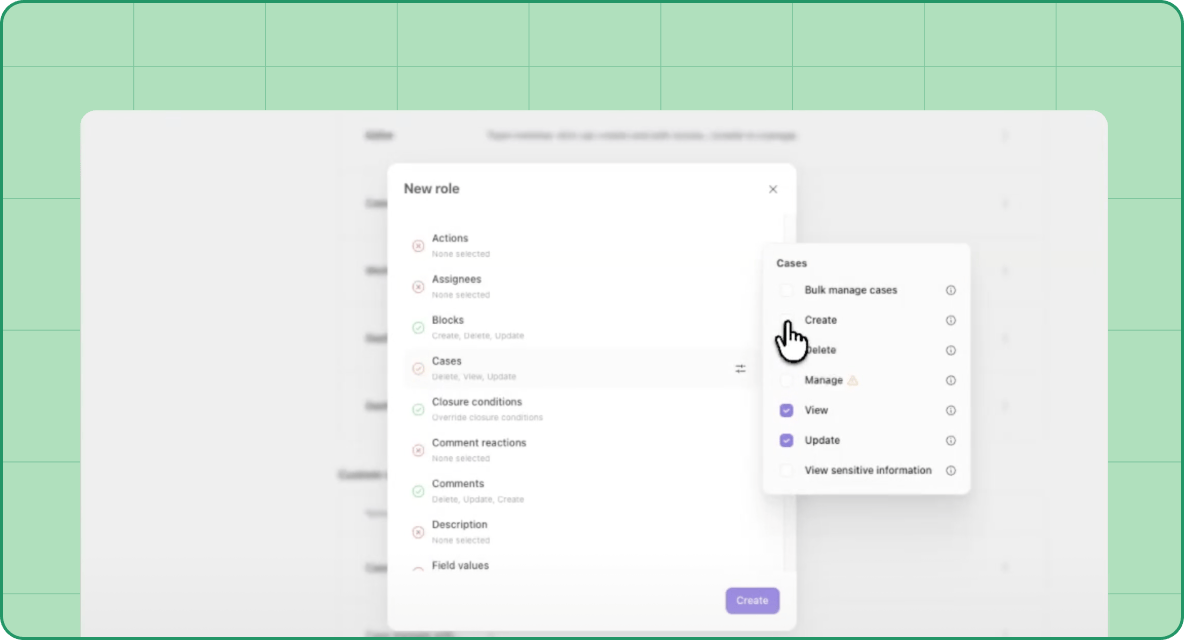
Tines was born in security, and our latest releases lean into that mindset by bringing you greater control and visibility.
For self-hosted admins, system diagnostics is now available to run health checks and review your deployment configuration without leaning on support.
For Cases, we introduced:
Fine-grained permissions to replace a single broad permission with granular role-level controls across every case component.
Block remote images to give you control over whether remote images from URLs are rendered in case content.
Linked cases improvements which let you link up to 150 cases (a 200% increase from the previous 50), group by sub-status and see connection density at a glance.
Shape your workspace as you grow
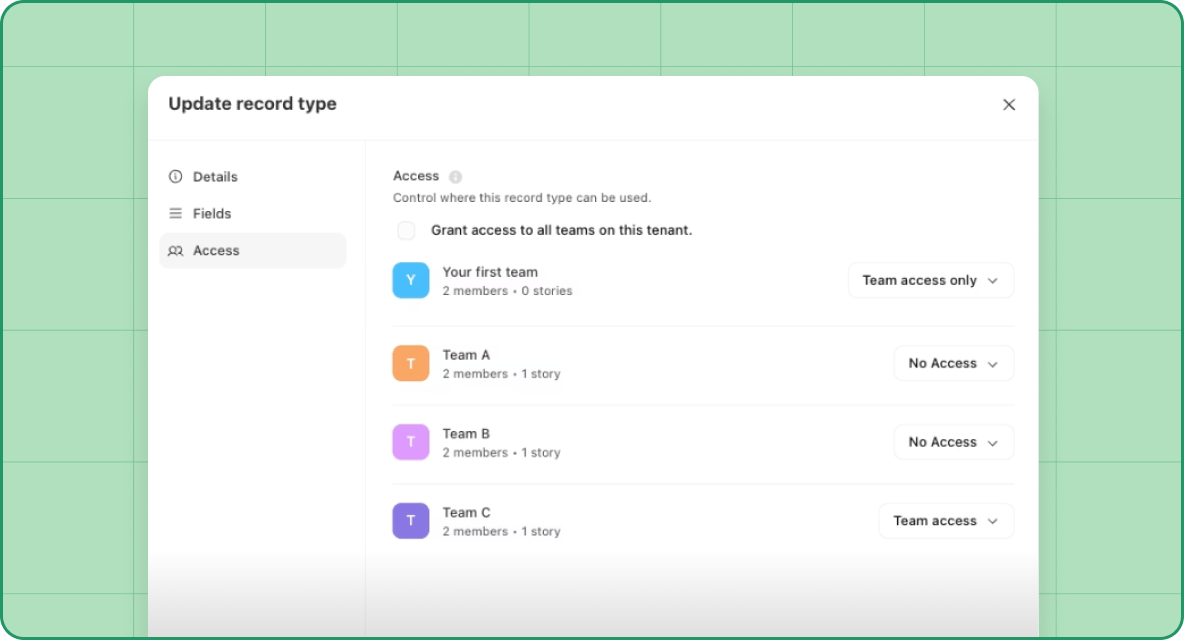
You’re ready to build faster and we’re making sure your workspace keeps up. This month we focused on organization and capacity across records and folders.
Records and dashboards
Record limits now scale with your plan and are tracked per tenant. Share record types and their records across teams without duplicating schemas or losing ownership.
The new global date filter for dashboards lets you update every enabled chart once, leading to less repetitive work and faster analysis.
Switching between record types is faster too. You can jump straight from viewing one record type to another record type within your team, no backtracking required.
Folders
Nested folders go up to five levels deep, giving large workspaces the room they need to stay organized. Folder icons make navigation faster at a glance, and template folders bring the same structure to your template library. Find any template without leaving the storyboard with templates in quick search.
Stay in the know
May was a big month, and that’s not everything. Head to our What’s New page to see every release we shipped in May and real-time updates. And, as always, we'd love your feedback – reach out to us via the Slack community!