
Records action and API improvements
Records and dashboards
We've made some improvements to the records storyboard action and API to make it even easier to work with records.
Records action
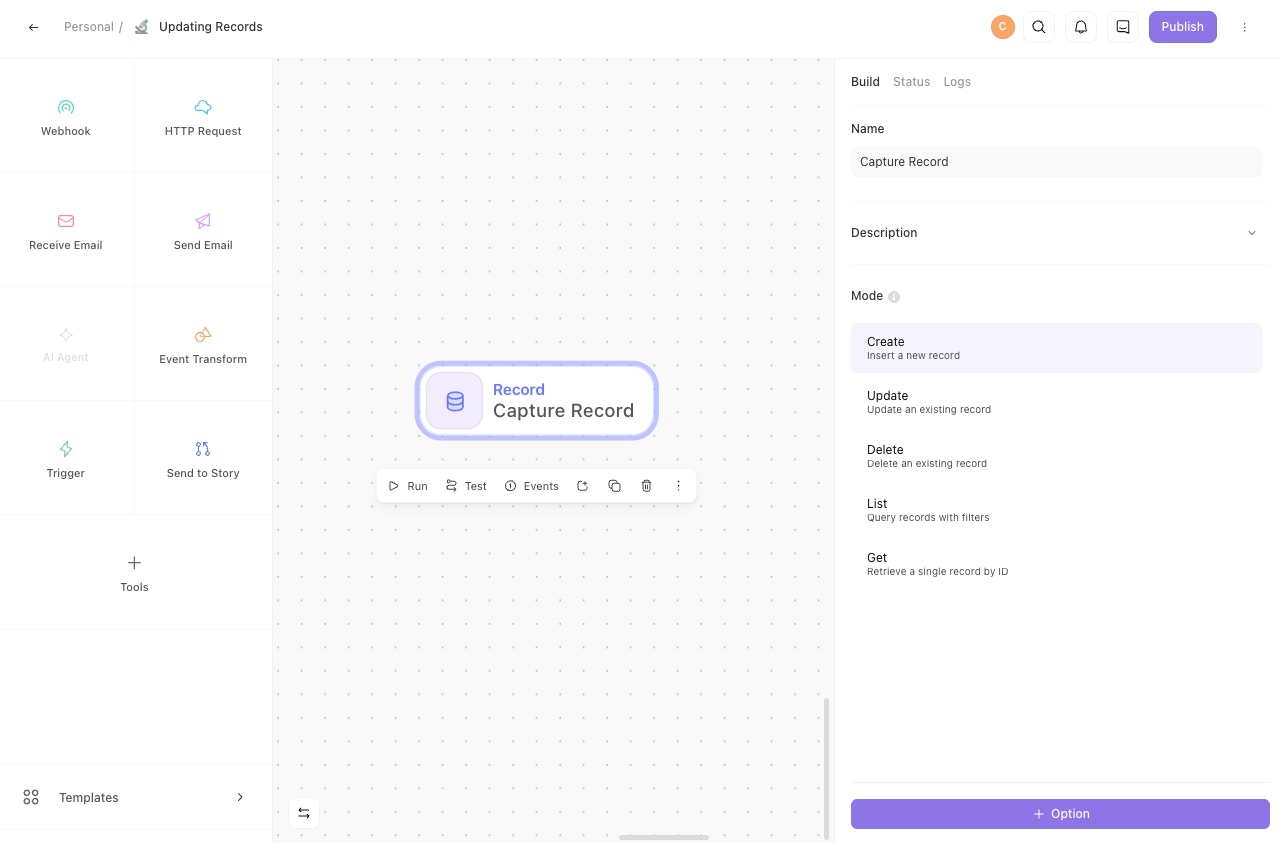
We've refreshed the records storyboard action to better align with other action types. At the bottom of the sidebar you can now find an "Options" button, with which you can add options you may already be familiar with, like Emit on failure and Customize output.
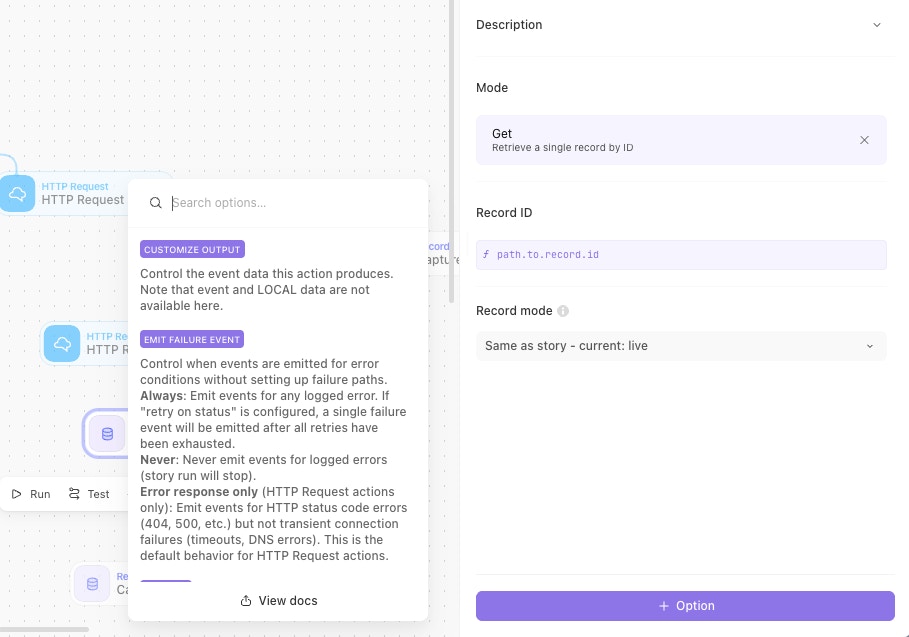
We've also added some new records-specific action options:
Resolve Artifacts— In GET mode, enable this option to include the artifact contents in the response, instead of just the artifact's ID.Field IDs— In GET mode, optionally provide a list of the specific record field IDs you want included in the response.Order— In LIST mode, specify whether the records returned should be sorted newest first or oldest first.
We've also moved some default options into the options list and made a few minor UI tweaks. Now you only see what's relevant when adding a record action to the storyboard.
Record API
Just like with the action, you no longer need multiple steps to fetch a record artifact's contents via the API.
Set the new resolve_artifacts query parameter to true, and artifact contents on the retrieved record will be included in the response.
You can also specify which fields to strictly include in the response with the record_field_ids option.
Learn more about the records API in our documentation.


