You can connect Workbench to remote servers that follow the Model Context Protocol (MCP) standard. MCP servers expose tools that Workbench can call directly in a conversation, alongside your templates and stories.
To add a connection, go to the MCP tab under All tools and click "New MCP connection." You'll need to provide:
MCP server name: A label to identify this connection in your tool list.
MCP server URL: The endpoint URL for the MCP server.
Under Advanced options, you can optionally configure:
Credentials: Select an existing credential if the server requires authentication.
Transport type: The protocol used to communicate with the server. The default is Streamable HTTP.
Headers: Custom headers to include with requests to the server.
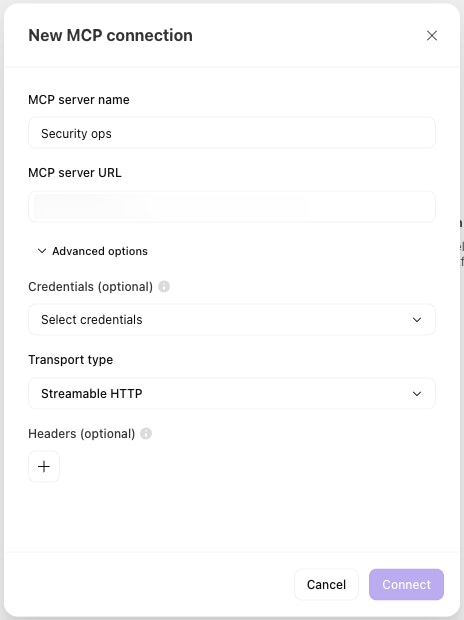
The MCP connection dialog, with fields for server name, URL, and optional advanced settings.
Once connected, the server appears in the MCP tab. You can select which of the server's tools to enable, and toggle them on and off the same way you would templates or stories.