Once your App is generated, you'll want to see it in action. That's what the Preview tab is for.
The Preview tab displays the visual output of your generated App, and it's a fully interactive sandbox. That means you can click around and use your App exactly as one of your users would: fill in forms, press buttons, and move through the experience to see how it behaves.
The built-in browser controls give you a few handy ways to explore:
Refresh the view to reset and see your App fresh.
Navigate back and forward, just like in a web browser.
Switch between viewport sizes, so you can preview your App on both desktop and mobile. This is a great way to check that your App looks good, no matter where people open it.
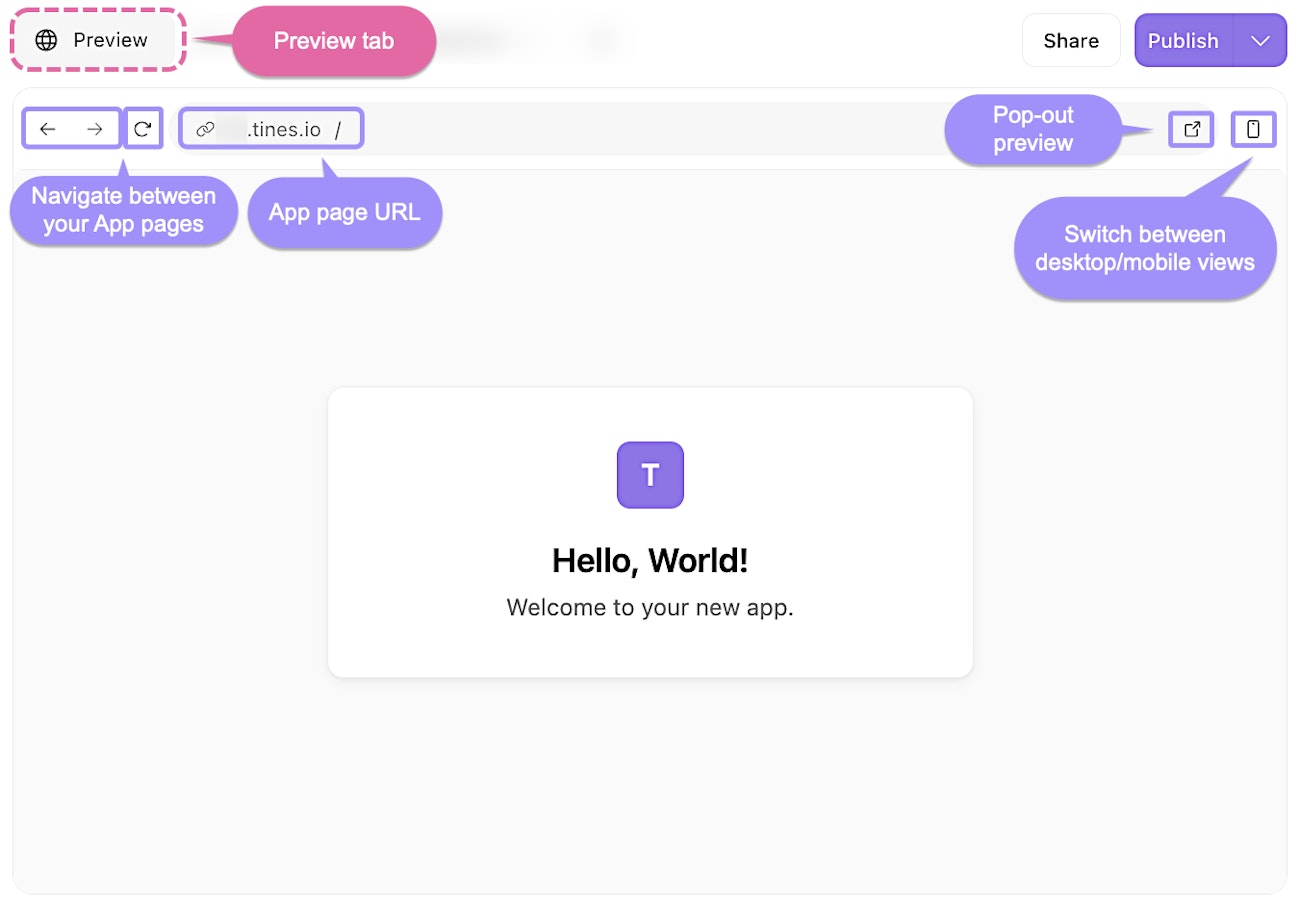
The Preview tab, showing a live preview of an App with controls to navigate and adjust the view.