
IT teams are under pressure to do more with less. Headcount stays flat while the number of systems, users, and requests keeps climbing, and the routine work of the identity lifecycle, provisioning access for new hires, deprovisioning leavers, resetting passwords, and routing tickets consumes capacity before anyone touches a strategic project.
The instinctive response is to write scripts. A Python script for Okta here, a Zapier flow for Slack there, a cron job that polls the ticketing system. Each one solves a real problem, but scripts accumulate without inventory, owners, or documentation, and the maintenance burden lands on the same team that built them, crowding out the higher-value work automation was supposed to unlock.
This article unpacks why IT process automation stalls at scale, what governed automation actually requires, and how a unified workflow platform helps teams cut manual work, tame tool sprawl, and reclaim time for the problems that need human judgment.
IT process automation explained
IT process automation uses software to execute repeatable IT tasks and multi-step workflows with minimal human intervention. It includes single actions, resetting a password or creating a user account, and orchestrated sequences spanning many systems, teams, and approval gates. Through a workflow platform, teams combine deterministic automation, agentic AI, and human-in-the-loop decisions on a single governed surface.
It's the coordination layer across systems, teams, and event triggers, where Robotic Process Automation (RPA), Integration Platform as a Service (iPaaS), or Business Process Management (BPM) tools may each be a single execution step among many.
As automation matures, the harder problem is no longer executing individual tasks but orchestrating them, coordinating workflows across teams and systems rather than deploying point solutions in isolation. As agents and workflows operate in shared environments, the real challenge shifts from automating any single task to coordinating and governing the entire portfolio without losing visibility into how it all fits.
Enterprises that built separate automation categories for identity, endpoint management, service desk, and security operations tend to end up with operational silos and no unified view of failures, dependencies, or performance. The category is steadily moving from automating individual tasks to orchestrating processes across the stack.
Why most IT process automation breaks down at scale
Automation programs tend to stall at scale because the quick-fix tools teams turn to first accumulate maintenance costs faster than they return value. Three failure modes recur across organizations of every size.
Three failure types occur across organizations of every size.
1. Script sprawl and key-person risk
A script automates a painful manual task. It works. It gets copied and adapted to solve adjacent problems. Within a year, the team has dozens of scripts running on individual workstations, cron jobs, and cloud functions, with no inventory, no ownership model, and no deprecation process.
This challenge is often framed as structural: each automation can create a connectivity dependency, and any dependency that cannot be maintained can become a liability.
Key-person risk follows. One senior engineer knows how the provisioning scripts connect to Okta, how monitoring alerts route through PagerDuty, and where the offboarding logic lives. In practice, teams often end up with limited documentation, minimal information sharing, and too much critical knowledge concentrated in one person. When that person leaves, years of institutional knowledge walk out with them.
2. Integration brittleness across a growing tool stack
Every point-to-point integration creates a dependency that must survive API version changes, vendor updates, and infrastructure shifts, and failure stays invisible until something breaks across multiple workflows simultaneously.
This pattern shows up consistently across modern enterprises, where it's not unusual for teams to connect dozens of different tools through a single workflow layer. That integration depth matters because the automation problem is rarely one system. It is the coordination layer between many.
3. Shadow automation and the governance bypass loop
Overstretched teams often build workarounds. Those workarounds, Zapier flows, Power Automate sequences and undocumented Python scripts proliferate without governance.
Voice of Security 2026 found that 47% of teams using 75–99 tools experience frequent burnout, a signal of how heavily tool sprawl weighs on practitioners.
Service accounts, saved connections, and unmanaged workflows can persist after employees leave. They create ongoing data flows that IT cannot easily see, audit, or disable. When the governance team tries to restrict ungoverned automation, the manual burden returns, and the cycle repeats.
Requirements for governed IT process automation
Governed IT automation requires immutable audit trails, role-based access control, change management workflows, and risk-based human-in-the-loop gates as platform-level defaults. Governance designed into the platform from day one costs less than governance retrofitted after deployment.
Teams that formalize an AI policy tend to feel markedly more confident about AI's impact than those operating without one. That reinforces the same point: governance gives teams the confidence to scale. ISACA identifies governance gaps as organizations having "no clear ownership of AI governance," and that gap applies equally to traditional automation. In practice, governed automation comes down to three building blocks as discussed in the sections below.
Audit trails that survive scrutiny
Automation platforms must automatically maintain detailed logs, timestamps, access histories, and control status reports. When agentic AI workflows enter the picture, traditional audit-trail assumptions break down entirely.
Human-initiated workflows generate documentation as a byproduct of authorization processes, but autonomous agents produce no equivalent artifact unless the platform explicitly logs decisions, reasoning, and actions in an immutable record.
Role-based access and change control
Role-based access control (RBAC) is a foundational control in enterprise IT. For automation specifically, every agent should run under a dedicated service identity with permissions strictly limited to the workflow it supports.
Sophos's security team uses workflow automation to monitor changes to privileged groups and account state transitions, automatically prompting users to confirm when an account moves from disabled to enabled and alerting the team whenever someone is added to a group that grants elevated network rights.
change leaves an auditable record, deviations are caught in near real time, and reviews stop being a quarterly scramble through spreadsheets.
Human-in-the-loop gates based on risk
Guardrails should trigger only when risk levels exceed defined thresholds. Discussions of how security teams approach autonomy generally describe a mix of deterministic automation, AI-assisted decision-making, and human oversight, with approval checkpoints for higher-risk actions.
Applying manual oversight universally reverts the process to manual operations with additional checkpoints and destroys the ROI that justified the automation in the first place.
IT process automation that empowers teams to do their best work
IT teams work an average of 52 hours per week, according to the Spiceworks IT Staffing Survey. Employee retention remains a significant concern for IT organizations, with turnover carrying meaningful operational and financial consequences. The staffing crisis is structural, and the demand on teams continues to rise.
Automation creates the most value when it removes work without adding equivalent maintenance overhead. The difference comes down to whether the team spends its reclaimed time on judgment-intensive work or on maintaining the automation itself.
Service desk teams often spend a substantial amount of time on repetitive tasks such as password resets, application access requests, and system restarts. When a workflow handles the deterministic steps, polling the ticketing system, enriching with identity data from Okta, routing by category, and an AI Action handles the interpretive steps, classifying intent, drafting resolutions, the analyst's queue contains problems that actually require human judgment.
When every workflow produces its own audit trail, when RBAC controls who can build and modify Stories, when change control separates test and production credentials, when human-in-the-loop gates trigger at risk thresholds instead of on every action, the automation program can grow without creating a secondary maintenance burden, leaving the team free to invest its capacity in higher-impact work.
Moving from scripts to a unified workflow platform for IT and security
The pattern that produced script sprawl, Security Orchestration, Automation and Response (SOAR) playbook rot, and RPA brittleness is the same across every category: organizations adopted single-purpose tools that required more ongoing maintenance than the original ROI calculation accounted for. Organizations are consolidating around workflow platforms so teams can manage integration, automation, AI, and governance on one surface.
Why scripts and single-category tools stop scaling
Scripts, RPA, iPaaS, SOAR, and BPM were each designed to solve a specific slice of the automation problem. Deployed independently, they produced automation islands that don't communicate with each other, and the maintenance burden of keeping them aligned grew faster than the value any single tool delivered.
Peer-reviewed MDPI research finds that existing and traditional SOAR automation frameworks are often restricted to predefined or fixed workflows, lack adaptability, and do not adequately support reasoning or more complex logic. The vendor response has been consolidated across the market. That reflects acknowledgment that standalone automation categories have hit structural limits.
What a unified workflow platform looks like for IT and security
A unified workflow platform gives teams a single place to combine deterministic automation, agentic AI, and human-in-the-loop processes on a single governed surface. Instead of maintaining separate toolchains for each execution style, IT and security teams build, run, and audit workflows side by side, using the same building blocks and the same controls.
On a platform like Tines, teams build workflows in a visual builder. Intercom's IT team used this approach to cut build time from 2 months to 2 hours and consolidate 15 workflows into one.
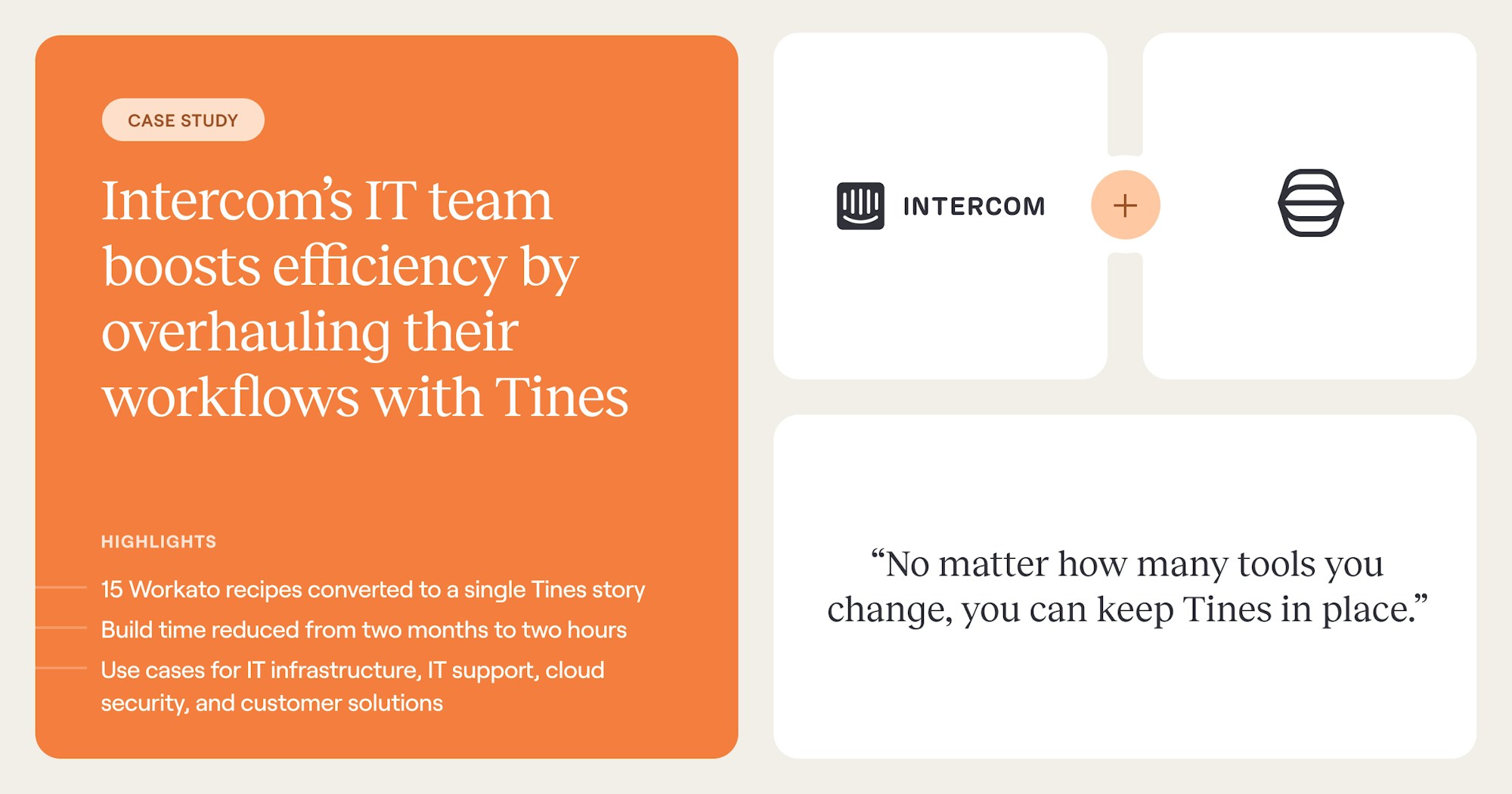
A deterministic Story can fire when a new-hire record lands in BambooHR, create accounts in Okta, Google Workspace, Slack, GitHub, and Jira, and send a tailored welcome email based on role and team.
The same governed surface supports a service desk triage workflow in which an AI step reads the incoming ticket, classifies severity, and either auto-resolves low-risk cases or escalates the case for human review. Because the same building blocks work identically across IT and security, with no developer dependency and no pre-built connector required for any system with an API, a workflow built for one function often becomes shared operational infrastructure across teams.
Scaling IT without adding headcount or hours
The gap between IT leadership's perception of resource adequacy and the practitioner experience is stark. Leaders see automation as a cost-reduction initiative. Practitioners see it as a force multiplier for their best work.
Both perspectives are valid, and both fit the same architectural choice: a platform where governance, integration, and the full spectrum of execution, deterministic, agentic, and human-led, work on one surface, so the team that builds the automation isn't also the team maintaining three separate categories to keep it running.
Teams that choose Tines use a workflow platform built on this principle. Security-grade governance in every layer, not bolted on after the fact. A visual builder accessible to what Tines calls "accidental programmers," the IT engineers and security engineers who build workflows every day despite no formal developer training.
Book a demo to walk through your highest-impact workflows with our team and explore how Tines can help you scale without adding headcount or hours.
Frequently asked questions about IT process automation
Difference between IT process automation and RPA
RPA automates discrete tasks by mimicking user interactions with application interfaces, like clicking buttons or entering data. IT process automation operates at the coordination layer, sequencing tasks across multiple systems, teams, and event triggers. An RPA bot can be one execution step within a broader IT process automation workflow.
How should IT teams decide which processes to automate first?
Use an impact-versus-complexity matrix. High-impact, low-complexity processes (password resets, ticket routing, account provisioning) are immediate priorities because they deliver quick wins and build credibility. High-impact, high-complexity processes (cross-department onboarding, infrastructure provisioning with approval chains) are second-phase projects. Establish baseline measurements first; otherwise, ROI becomes speculative.
Is agentic AI replacing traditional IT automation?
No, the two are complementary. Agentic AI handles interpretive work that rule-based automation cannot, like classifying ticket intent or reasoning through ambiguous scenarios. Deterministic automation remains better for predictable, high-volume tasks. The most effective programs combine both with human-in-the-loop gates for high-risk decisions, ideally on one governed surface.