Before you can start collaborating on workflows, you'll need to sign in to your Tines Stories tenant.
🪄Tip
Once you sign up, you'll be redirected to your free Community Edition Tines Stories tenant. The URL of your tenant will resemble this: https://generated-name.tines.com. You'll see the welcome page, where you can enter your information.
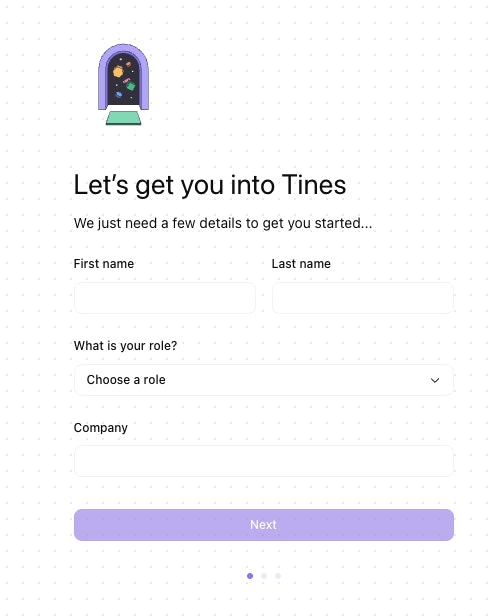
The welcome page, where new users enter their personal details to get started.
After completing the sign-up form, you'll go through a few setup steps to personalize your experience, such as selecting the tools you use and your goals. Once setup is complete, you can start building by describing a workflow with an AI-powered prompt, choosing a pre-built example from the Story library, or skipping straight to the storyboard.