Before you can start collaborating on workflows, you’ll need to sign in to your Tines Stories tenant.
🪄Tip
Once you sign up, you will be redirected to your free Community Edition Tines Stories tenant! The URL of your tenant will resemble this: https://generated-name.tines.com. You will be greeted with the welcome page, where you will input your information:
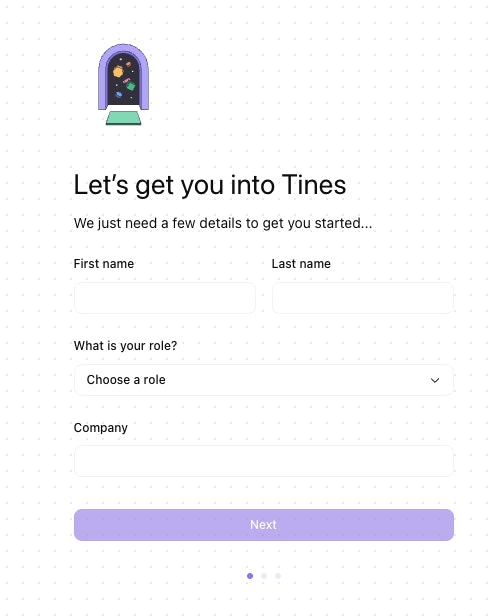
The sign-up form, where new users enter their details to get started.
Once you click Next, you'll be redirected to an interactive tutorial that guides you through creating your first story in Tines Stories.