

A security engineer at a large SaaS company decides which alerts she can actually investigate today. Across the hall, an IT manager opens a spreadsheet to onboard new hires, touching system after system by hand. Down in finance, someone copies invoice data between two tools that were never designed to talk to each other. Three teams, three versions of the same problem: recurring sequences of work that software should handle but doesn't.
The instinct most teams reach for first is scripting. A Python cron job here, a Zapier connection there. That instinct made sense in simpler environments. In 2026, with tools generating signals across security, IT, HR, and finance, scripts and single-purpose playbooks buckle under the weight of variable inputs, cross-team handoffs, and compliance requirements they were never designed to carry.
This guide covers what workflow automation means now, why the category looks different than it did recently, how to build intelligent workflows that span teams, and what it takes to operate them without the whole thing falling apart at scale.
What is workflow automation?
Workflow automation is the practice of using software to run a sequence of connected tasks across tools and teams, without a person manually moving work from one step to the next. Intelligent workflows extend this with AI reasoning, event-driven triggers, and human-in-the-loop controls, so workflows can handle variable inputs and high-stakes decisions, not just predictable ones.
A workflow contains a trigger (an event that starts the sequence), a series of actions across one or more systems, optional branching logic, optional approvals, and an outcome. For now, the important thing is the shape: trigger, sequence, decision, outcome.
Task management platforms track who owns what, but don't execute work. Scripting executes a single action but doesn't orchestrate sequences across tools or scale beyond the person who wrote it.
Legacy business process management (BPM) and security orchestration, automation and response (SOAR) platforms execute sequences but assume rigid, pre-defined logic. Intelligent workflow automation, by contrast, orchestrates sequences, reasons through novel situations, and crosses team boundaries securely.
That cross-team capability is recent. Security teams adopted workflow automation early to handle incident response, but in 2026, IT, HR, finance, customer support, sales ops, and compliance teams build workflows too.
The definition of workflow automation is stable. The architecture behind it has changed on every axis, and the rest of this guide unpacks what changed and what it means for the teams running it.
What changed in workflow automation and why it matters now
Several architectural shifts separate the current generation of workflow automation from the version most teams still run.
Cross-team orchestration replaced single-team silos: Forrester named an entirely new software category, adaptive process orchestration, explicitly distinguished from robotic process automation (RPA), digital process automation, and integration platform as a service (iPaaS). Across Tines customers, 75% use the platform across multiple teams.
AI reasoning replaced static rules: Legacy SOAR assumed incident inputs were predictable enough to pre-script. Security teams have long faced operational burden from manual, repetitive work and tool sprawl, which pulls attention away from threat investigation. Tines' internal data shows 302% year-over-year growth in customer LLM usage. Gartner predicts 40% of enterprise applications will feature task-specific AI agents by the end of 2026, up from less than 5% in 2025.
Event-driven architecture replaced scheduled polling: Legacy automation ran on cron jobs and scheduled syncs, which meant decisions got made on stale data. Modern intelligent workflows trigger on real-time events: an alert fires, a form is submitted, a webhook lands. Agents and automated steps are only as good as the freshness of their inputs.
Teams now build intelligent workflows through an intelligent workflow platform: Every hour spent on muckwork is an hour talented people aren't spending on the strategic work only they can do. Security, IT, and operations teams now build through an intelligent workflow platform shaped by practitioners who lived this evolution firsthand.
None of these shifts is dramatic on its own. Stacked together, they describe a category that runs differently than the one most teams started with. Cron jobs and rigid playbooks worked when one team owned one process.
They don't scale to the cross-team, AI-enabled, real-time work modern teams actually do, and the gap between what teams need and what their current tools can deliver is what's driving investment now.
Why teams invest in intelligent workflows now
The pain driving adoption is specific and measurable. A senior engineer quits because too much of her week goes to phishing triage. An IT manager can't onboard new hires fast enough because every department has its own form, and too many systems need manual updates. A security team misses real threats because they're drowning in alert noise.
Beyond the visible inefficiency, hidden costs compound. Every manual handoff between tools forces a context switch that breaks concentration and introduces error. When experienced staff leave, the institutional knowledge encoded in their scripts and informal processes leaves with them.
Teams that build governance into their workflow programs now are also better positioned to adopt AI responsibly as agentic capabilities expand. The same audit trails, approval gates, and role-based controls that make a deterministic workflow compliant also provide the scaffolding for safe agentic operation later. Intelligent workflows give talented people their time back for work that actually matters.
For example, Netskope's security team built workflows through Tines that tripled SOC efficiency without adding headcount, contributed to a 25% MTTR reduction, and now automate the equivalent of one analyst's workload every week.
The building blocks of intelligent workflows
Modern intelligent workflow platforms separate from legacy tools by supporting all three workflow styles on the same surface.
1. Deterministic workflows
Deterministic workflows follow fixed rules: if X happens, do Y. They're predictable, fully auditable, and the right choice for compliance-sensitive work where the same input must always produce the same output.
A phishing report arrives from a user via email. The workflow queries VirusTotal, checks the sender against a blocklist, and quarantines the message in Microsoft 365 if both checks fail.
2. Agentic workflows
Agentic workflows use AI to reason through novel situations, pull context from multiple sources, and decide what to do next within guardrails the team defines. A Jira ticket describes an unusual access request.
An AI step reads the ticket, pulls the requester's role from Okta, compares against access policy documents, and drafts an approval recommendation for the security team.
3. Human-in-the-loop workflows
Human-in-the-loop workflows escalate judgment calls to a person before action: an approval in Slack, a confirmation on a form, a review of an AI-generated recommendation. An AI-generated summary of a vendor risk assessment routes to a compliance lead via a Slack form. The lead reviews, approves or rejects, and the workflow updates the vendor record in the system of record.
AI fits best in enrichment, classification, triage, summarization, and decision support. It does not fit well as the sole decision-maker for irreversible actions. Compliance-critical paths should stay deterministic.
Teams secure workflows by default with role-based access control, audit logs, encrypted credential handling, and controls that separate testing from production changes.
Where intelligent workflows replace manual work
The common pattern is not a department-specific checklist. It is the same operating shape repeated across teams: intake, enrichment, decision, action, and review.
A contractor offboarding workflow shows the shape clearly:
HR marks the contractor as ended in the HRIS, which triggers the workflow
Security revokes SSO access, rotates any shared secrets the contractor touched, and scans for exfiltration signals in the prior 48 hours
IT deprovisions the laptop and archives accounts
Finance closes the budget line and cancels the corporate card
A manager confirms via Slack that no project work is mid-flight, then the workflow completes and writes the full audit record
The same shape repeats across teams. For example, teams pull data from multiple systems, separate noise from real issues, and route action and review. Teams can also take one trigger, gather context from identity and access systems, insert an approval gate where judgment is required, and complete downstream actions without a person stitching the steps together.
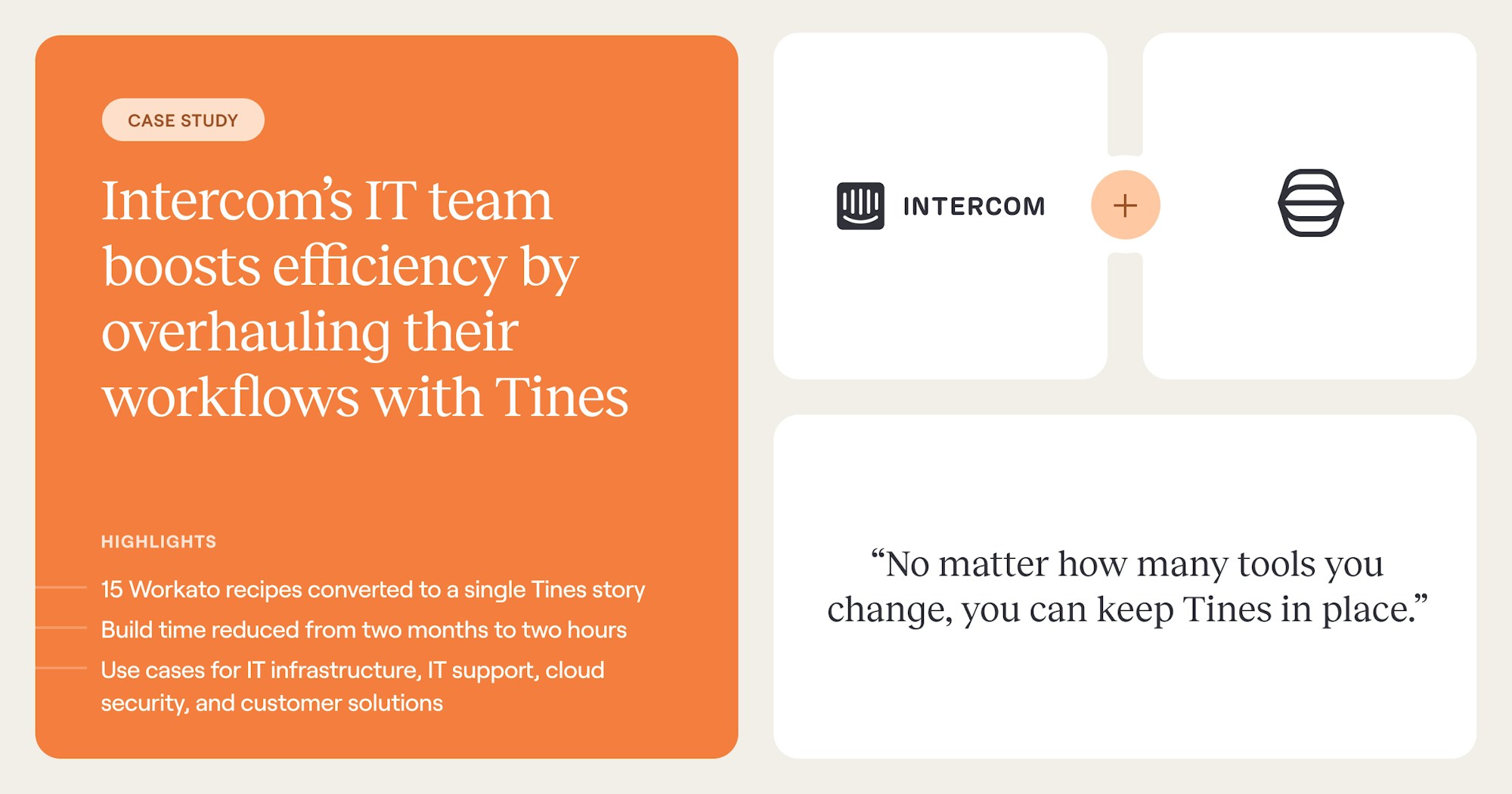
In one case, Intercom's IT team consolidated 15 separate automations into one Tines workflow and cut build time from months to hours, freeing the team to take on work outside its original security remit.
A step-by-step roadmap to adopting intelligent workflows
The shape of a rollout matters more than the platform you pick. Define goals before platform selection. Build a guild before signing a contract. Test against your real environment before scaling, not a polished demo. Most programs that stall in the first 90 days skipped one of these.
1. Define goals and success metrics: Platform selection without goals locks teams into criteria they didn't think through. Pick targets you can measure: time saved per analyst per week, mean time to respond, error rates, SLA adherence, time to onboard a new automation. Without a baseline, you can't tell whether the program is working.
2. Build a small cross-functional automation guild: A guild of engineers, IT leads, ops managers, and a finance partner who feel the pain of manual work daily changes a program's trajectory. The guild owns prioritization, builds the early workflows, and surfaces problems before they hit production. It's also the group that will champion the platform when budget conversations come around.
3. Inventory and prioritize candidate workflows: Score on impact versus complexity. Good first candidates have high-volume repetitive steps, clearly defined inputs and outputs, a measurable current-state baseline, and recoverable failure modes. Save the high-stakes irreversible workflows until the team has a few wins behind it.
4. Run a realistic POC: Ask the vendor to run a workflow that mirrors your real environment, not a polished demo. If the only thing they can show is a toy version, that's the answer. AI capabilities deserve extra scrutiny at this stage. Is the AI ready for production, or does it only work in a demo? Is data private, or is the vendor training on your traffic? Are costs transparent, or do they spike unpredictably? Gartner predicts over 40% of agentic AI projects will be canceled by end of 2027, a signal that the transition is real but uneven in execution quality.
What to look for in an intelligent workflow platform
Most teams evaluating intelligent workflow platforms in 2026 are migrating from a legacy tool, not buying their first one. Four capabilities separate intelligent workflow platforms from the prior generation.
1. Security-first architecture and governance
This belongs as the first evaluation criterion, not the last. SSO, SCIM provisioning, immutable audit logs, and machine identity governance for AI agents need to be available at the tier you're actually buying, not gated behind the most expensive plan.
2. Integration depth through direct API consumption
Integration depth matters more than a large connector library. Native, vendor-maintained connectors handle authentication refresh, pagination, and error handling automatically. Community-built connectors may break when upstream APIs change, with no SLA for repair. Across Tines customers, the average customer connects 68 different tools through the platform.
3. A builder accessible to non-engineers
Domain experts produce workflows when the builder doesn't require an engineering background, but only with security and governance controls baked in. Accessibility without governance creates shadow automation. Teams need a builder that domain experts can use without sacrificing change control or auditability.
4. All three workflow styles in one canvas
Deterministic, agentic, and human-in-the-loop belong on the same surface. If the platform forces you to choose one mode for an entire workflow, it cannot model how real work actually flows.
The platform decision sets the ceiling on what a program can do. How teams build on it decides whether they hit it.
Building and operating workflows at scale
Building a workflow is the easy part. Keeping it alive as APIs change, teams reorganize, and tools come and go is where most programs stall. The teams that scale workflow programs treat them as software, not as one-off configurations.
The minimum viable version goes to production first, and the team expands to edge cases iteratively. The accessibility of intelligent workflow platforms means non-engineers can take over expansion once the spine is in place.
Workflows are institutional memory. Every workflow captures how your best people handle a recurring problem. That knowledge used to live in one person's head, and it walked out the door when they left. Version control, peer review, and environment management apply software engineering discipline to workflow design and keep that memory in the team.
Failures need explicit handling: retries, fallbacks, escalation paths. A workflow that fails silently is worse than no workflow at all. When a step breaks, the team responsible needs to know within minutes, not when someone notices the downstream outcome stopped happening.
The cost of maintaining a workflow is never zero. Integrations require ongoing maintenance as environments and APIs change. The question is how quickly you detect the break and how easily you fix it. Responsible workflow count is bounded by maintenance capacity, not build capacity.
Every critical workflow needs a named owner. Without ownership, workflows decay. A quarterly review of your most important workflows catches drift before it becomes a failure. Production workflows deserve the same discipline as production code: reviewed changes, staging environments, and rollback plans. The same discipline is also what makes AI in workflows safe to ship.
AI governance for intelligent workflows
The question most teams face now is "should AI do this?" not "can AI do this?" Clear guardrails deliver real productivity gains. Without them, AI in your workflows is a liability.
SANS Institute provides a useful practitioner decision rule: wherever precision can be objectively measured, AI automation is appropriate. Threat enrichment, log parsing, and alert deduplication are strong fits. Incident scoping, attribution, and response decisions rely on context that AI cannot fully grasp.
For those steps, AI assists, and practitioners decide. For irreversible actions (blocking accounts, revoking access, quarantining systems), a human approval gate belongs in the workflow by design.
An audit trail for AI decisions must capture every prompt submitted, every model output, every API call and system action taken, the decision the workflow made, who approved the workflow design, and who can change it. The EU AI Act's governance rules for General Purpose AI models became applicable on 2 August 2025, with Annex III high-risk system obligations applying from 2 August 2026.
Organizations building intelligent workflows now are building the governance scaffolding they'll need to demonstrate compliance later.
From workflow automation to intelligent workflows
Workflow automation has matured into something the old category definitions can't hold. The teams that win in 2026 build secure workflows that are governed, AI-enabled, and human-aware: deterministic where compliance demands it, agentic where flexibility matters, and human-in-the-loop where judgment is irreplaceable.
Teams build on Tines because the platform reflects this practitioner reality. Through Tines, security engineers, IT managers, and operations leads build intelligent workflows that combine deterministic steps, AI Actions, and human-in-the-loop approvals on one governed surface.
The full spectrum of execution sits in one place, with the same audit trails and access controls regardless of which workflow style a team picks.
The next step is building something real. Book a Tines demo to see how governance, AI, and cross-team orchestration come together on one surface.
Frequently asked questions about workflow automation
What is workflow automation?
Workflow automation uses software to run a sequence of connected tasks across tools and teams without manual handoffs. Intelligent workflow automation adds AI reasoning, event-driven triggers, and human-in-the-loop controls.
What is the difference between workflow automation and RPA?
RPA mimics human actions inside a single application. Workflow automation orchestrates sequences across multiple tools and teams, with branching logic and approvals built in.
How do I build my first intelligent workflow?
Define goals and success metrics first, then identify a high-volume, repeatable process with clear inputs and outputs. Run a proof of concept that mirrors your production environment, not a clean demo.
Which teams use workflow automation beyond security?
Security and IT teams were common starting points, but in 2026, HR, finance, sales ops, customer support, and compliance teams build workflows too. Across Tines customers, 75% run workflows across more than one team.
What's the difference between workflow automation and iPaaS?
iPaaS and workflow automation sit at different layers of the stack. Integration platform as a service (iPaaS) tools like MuleSoft and Boomi were built for integration architects, with the job of keeping data in sync between applications and exposing APIs for other systems to call.
Workflow automation is built for the team doing the work. It uses integrations (its own or those exposed by an iPaaS) to run the actual process: approvals, AI reasoning, branching by context, and the audit trail compliance asks for. The two often coexist in the same stack, with iPaaS handling the pipes and workflow automation handling what runs on top of them.
How do I automate employee offboarding?
Start with a single trigger from your HRIS when an employee is marked as ended. From there, the workflow revokes SSO access, deprovisions SaaS accounts, archives mailbox and files, reclaims licenses, and notifies IT, security, and finance.
A human approval gate is worth including before destructive actions like permanent account deletion, and an audit log of every step gives security and compliance the record they'll ask for.
What is human-in-the-loop automation?
Human-in-the-loop automation is a workflow design that pauses for human judgment at defined points: an approval, a confirmation, a review of an AI-generated recommendation. The workflow handles the surrounding context-gathering, action-taking, and documentation, while the person makes the call that matters most.
It's the right pattern for irreversible actions, high-stakes decisions, and anywhere the cost of getting it wrong outweighs the cost of waiting on a person.