
Security and IT leaders face a contradictory mandate: move faster with AI and automation while maintaining governance over every action that touches production systems, user accounts, and sensitive data.
Most tools force a choice between two failure modes. Either the workflow runs autonomously, and the team hopes nothing breaks, or every action requires manual approval and analysts spend their shifts rubber-stamping low-risk steps until oversight disappears behind a green-checkmark audit trail. Removing checkpoints entirely fails the moment an AI agent proposes isolating a production database based on a misclassified alert.
This article shows how to escape that trade-off. You'll learn how to define a human-in-the-loop workflow and decide where checkpoints belong based on risk, confidence, and asset importance. You'll also see how to design checkpoint steps that deliver fast and informed decisions and avoid the common mistakes that turn oversight into a bottleneck.
What is a human-in-the-loop workflow?
A human-in-the-loop workflow is an automated process that pauses execution at a predefined checkpoint and waits for a person to take action before proceeding. The workflow cannot advance past that checkpoint without human input. Enrichment, data lookups, and ticket creation run automatically; the decision about whether to isolate an endpoint, approve an access request, or escalate an incident stays with a person.
An alert tells an analyst, "We blocked this IP." A human-in-the-loop checkpoint holds execution, presents context with approve, deny, and escalate options, and branches based on the response.
A human-in-the-loop workflow combines deterministic automation, agentic AI, and human-led processes in a single sequence, the core of an intelligent workflow. Your SIEM (Security Information and Event Management) fires an alert (deterministic trigger), an AI agent enriches and scores the alert (agentic reasoning), and the workflow pauses for an analyst to confirm containment (human-led decision).
When to design a human checkpoint into a workflow
Five decision axes determine whether a workflow step needs a human gate or can run autonomously. Most deployments that became bottlenecks skipped this analysis and applied uniform approval requirements to all actions.
Reversibility of the action: Enrichment lookups, ticket creation, and message quarantine for high-confidence phishing are safe to automate because they can be undone without operational harm. Disabling an executive account, deleting data, or isolating a production server carries consequences that are difficult or impossible to reverse.
Asset importance: A suspicious login from a foreign country might trigger an automatic multi-factor authentication (MFA) reset for a standard user but should trigger a review task for a privileged administrator. The same action type requires different checkpoint policies depending on what it touches.
Confidence level: A phishing email with multiple corroborating signals can be quarantined automatically. A single ambiguous signal without corroboration requires human review.
Novelty: Automation works best with known patterns. If an alert type is new to the environment or falls outside of automation, a checkpoint prevents the automation from acting on a scenario it wasn't designed to handle.
Compliance mandate: Human oversight may be required for AI-assisted operations involving irreversible actions. The NIST IR 8596 draft states that human oversight is required to maintain regulatory and legal compliance in AI-assisted operations.
A practical adoption pattern is to start with more checkpoints than you think you need, then remove them based on evidence from outcomes and feedback.
The anatomy of a well-designed human-in-the-loop step
A checkpoint that presents a raw alert ID with an Approve button adds little value. Well-designed steps share a common structure that makes human decisions fast, informed, and auditable.
The workflow must assemble full context before the reviewer sees the prompt. For a phishing alert, that means the suspicious URL and the VirusTotal reputation score at minimum, along with affected mailboxes and a recommended response level.
The workflow should pull and shape data from prior steps into a structured summary that the reviewer sees on a single screen. That context feeds into a clear decision interface with explicit options: Approve, Deny, Escalate. Routing approval to Slack or Microsoft Teams, where the engineer already works, removes the friction of switching to a separate tool.
Every checkpoint also needs a time-bound SLA with escalation routing that defines what happens when no one responds: the workflow escalates to the next reviewer, halts safely and alerts stakeholders, or proceeds autonomously for low-risk decisions with prominent logging. The checkpoint must route to someone with the authority and context to decide: high-severity incidents go to senior analysts, access requests go to the resource owner, and compliance exceptions go to the policy owner.
Alongside the SLA, an immutable audit trail must capture what the reviewer saw (the enrichment snapshot at decision time), what they decided, when they decided, and who they are (individual identity, not role). Every checkpoint should also include a feedback mechanism tracking whether the human agreed with the automation's recommendation, overrode it, or escalated. Without these components, the approval step adds latency without adding judgment.
Five human-in-the-loop workflow patterns running in production
These patterns illustrate how security and IT teams structure automated preparation, human decision, and automated execution.
1. Approval-gated endpoint containment
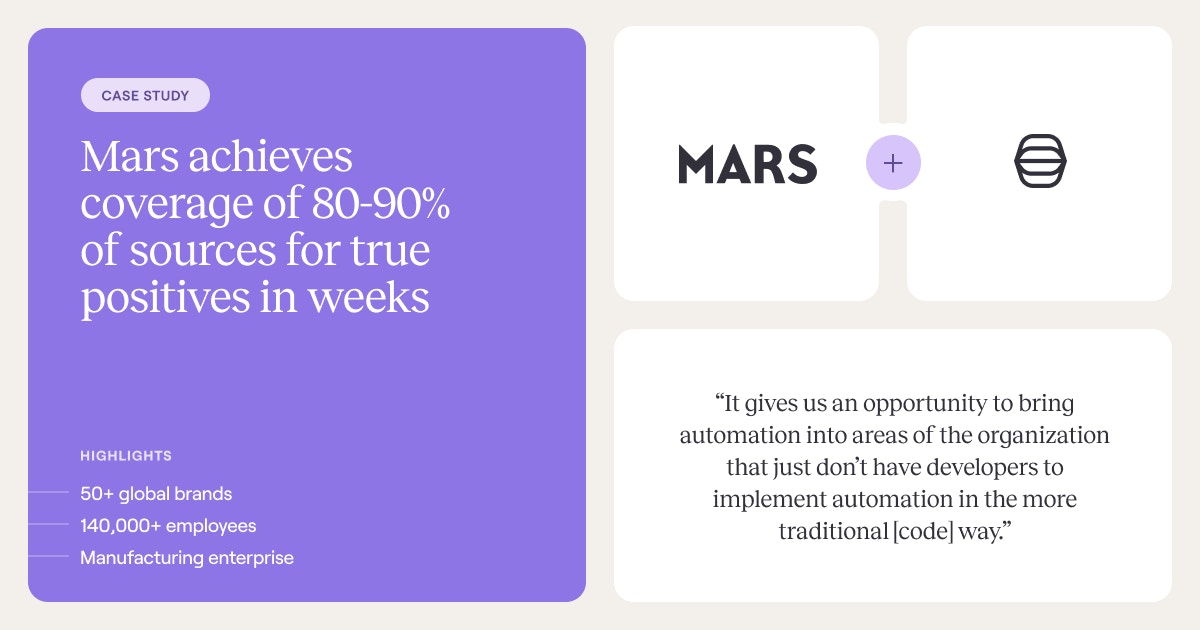
SOAR migration and multi-team rollout: Mars's cybersecurity team migrated 100% off Splunk Phantom into Tines and onboarded five teams in six months.
In that kind of pattern, an alert fires in the SIEM; the workflow enriches the event with user identity, device risk score, and correlated signals, and then proposes endpoint isolation using the evidence assembled on a Tines Page. Execution blocks until the security engineer approves, modifies, or overrides.
2. Phishing triage with analyst confirmation
A user-reported email triggers the workflow. Automated steps run WHOIS lookups, VirusTotal reputation checks, and mailbox searches for similar messages, and the assembled verdict is delivered to analysts for confirmation before the workflow escalates or closes.
The principle is straightforward: human review needs to be designed into the workflow from the outset, not added later as a safeguard.
3. Tiered alert escalation with AI-assisted triage
High-volume alert ingestion from the SIEM can route through an AI scoring layer, where confirmed benign alerts close automatically, and high-confidence true positives execute automated responses.
Ambiguous cases are escalated to an engineer with the full context already assembled, so the reviewer can make a fast, informed decision without having to re-investigate from scratch.
4. Privileged access request approval
An employee submits an access request through a self-service form; the workflow auto-provisions standard, low-risk requests and routes higher-risk requests to managers or service owners via chat tools such as Slack, where the workflow can prompt the approver to take action before escalation.
The pattern keeps low-stakes provisioning fully automated while reserving human judgment for sensitive or privileged access.
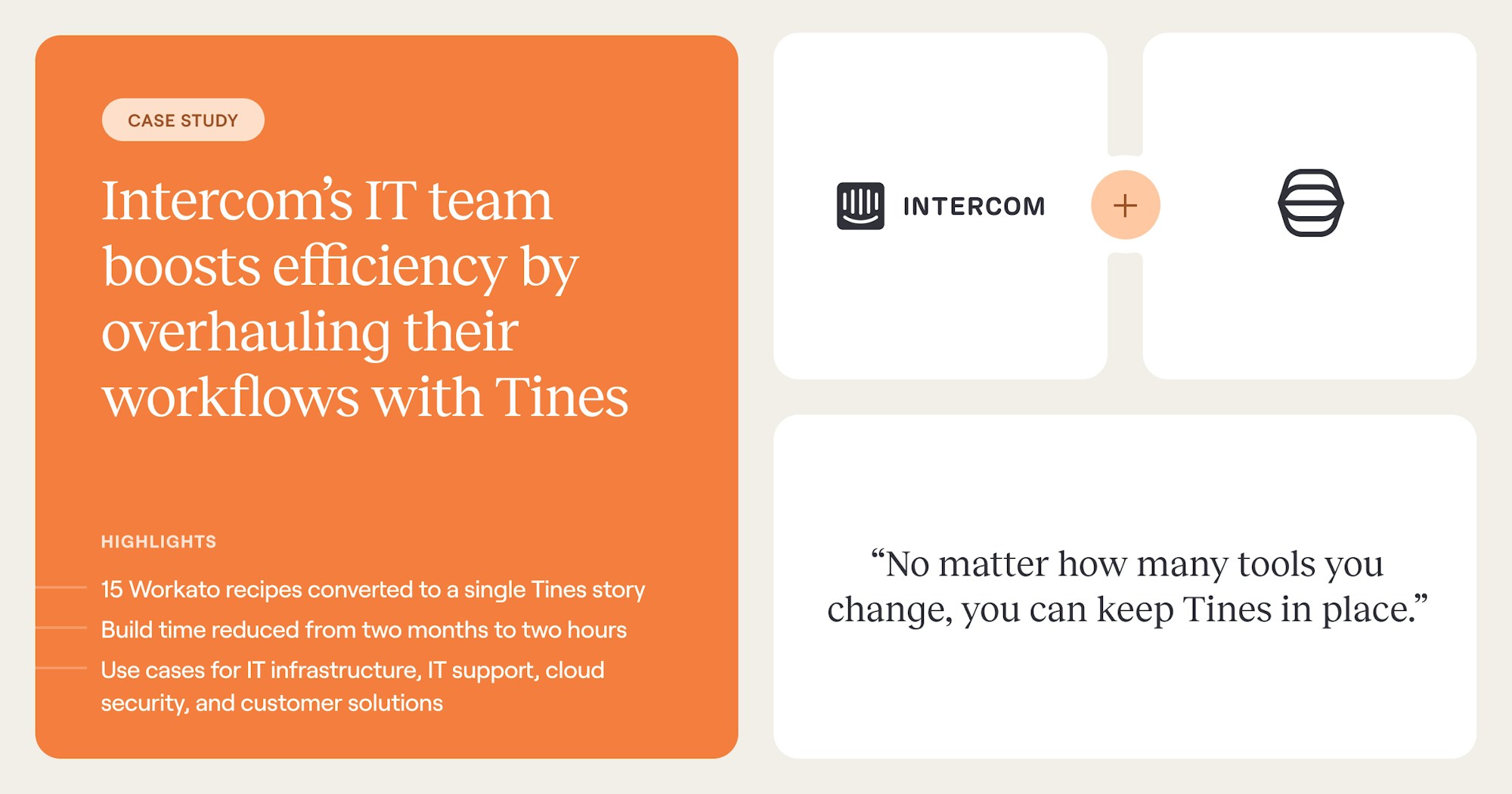
As an example of this pattern in practice, Intercom's IT team eliminated its Slackbot-based access-request system and consolidated 15 workflows into one Tines Story as part of an employee onboarding and IT consolidation effort.
5. Change management with AI risk scoring
When a change request lands in ServiceNow, an AI scoring layer evaluates the risk profile based on the systems affected, the scope of the change, and the requester's history.
Standard pre-approved changes proceed without review, while higher-risk changes undergo a governed review process in which the assigned approver sees the AI-generated risk score, affected dependencies, and the rollback plan before making a decision. Human approval serves as the final gate before execution, but only for changes that warrant it.
Common mistakes that turn human-in-the-loop into a bottleneck
The gap between designing a checkpoint and operating one in production is where most teams lose the value of human-in-the-loop workflows. That operational strain is already visible in the broader market: in Tines' Voice of Security 2026 report, 81% of security professionals said their workloads have increased, 44% still spend time on manual, repetitive work, and 76% reported burnout.
The most common mistakes include:
Over-gating and approval fatigue: When enrichment, ticket creation, and server isolation share one approval step, analysts waste judgment on trivial actions. Teams struggling with alert volume are especially vulnerable: when most requests involve low-risk or false-positive events, analysts approve reflexively to clear the queue. The audit trail shows oversight, but real oversight has ceased.
Sending approval requests without context: An approval prompt with an alert ID and a severity score forces the analyst to open separate tools, pull logs, and reconstruct context before they can evaluate the request. The checkpoint becomes a second investigation assignment. Enrichment must precede the prompt; it should not follow it.
Missing timeout logic: A workflow that blocks indefinitely on a pending approval produces a silent stall: no error surfaces and no escalation triggers. In active intrusion scenarios, containment actions that remain in the pending-approval state for hours directly extend the attacker's dwell time.
Never graduating checkpoints to autonomous execution: Teams that keep every checkpoint as a permanent manual-review trap themselves into unnecessary work. Without a feedback loop capturing approval outcomes, the operational case for expanding automation cannot be made, and analyst burden never decreases.
These mistakes all stem from treating human-in-the-loop as a binary (human required or not) rather than a tiered decision based on risk, confidence, and operational evidence.
Intelligent workflow platforms with human-in-the-loop steps
Human-in-the-loop is becoming a structural requirement, not a bolt-on. Tines brings human-led, deterministic, and agentic execution together under one security and audit layer. Pages pause stories for human input, AI Actions handle reasoning and generation within team-defined guardrails, and Cases track decisions for audit and feedback. It's all built on the visual Tines Storyboard with API-first connectivity.
The same architecture governs security alert triage, IT access provisioning, compliance exception handling, and change management approvals. Teams that get human-in-the-loop right design checkpoints based on evidence instead of anxiety.
Frequently asked questions about human-in-the-loop workflow
What is the difference between human-in-the-loop and human-on-the-loop?
Human-in-the-loop means the workflow cannot proceed without human action. Human-on-the-loop means the system operates autonomously while humans monitor and retain the ability to override. The distinction is a risk-tiering decision: irreversible or high-impact actions warrant in-the-loop gates, while lower-risk reversible actions may warrant on-the-loop monitoring.
How do you prevent human-in-the-loop steps from slowing down incident response?
Risk-tier your checkpoints. Enrichment, ticket creation, and IOC (Indicator of Compromise) lookups run without approval. Containment of non-production endpoints with multiple corroborating signals can run with post-action notification. Isolation of production systems and account disablement for privileged users require pre-execution approval. Apply timeouts with automatic escalation to prevent workflows from blocking indefinitely.
Does CISA require human-in-the-loop for AI-driven security actions?
The article establishes that AI-assisted security work often combines automation and human review, especially for higher-risk or irreversible actions. In practice, teams define those checkpoints through governance and workflow design rather than leaving the decision to the agent itself.
CISA imposes no blanket legal mandate, but its joint guidance on agentic AI security (with the NSA, ASD ACSC, and partners from Canada, New Zealand, and the UK) directs organizations to maintain human-in-the-loop checkpoints for high-impact or irreversible actions, with system designers, not agents, deciding when approval is required. CISA's separate OT guidance goes further: AI/LLMs must not make safety decisions autonomously, and a human-in-the-loop must be maintained. Security teams treat these as compliance expectations: any agent with write access to financial systems, infrastructure, or sensitive data that lacks a human approval workflow for high-impact actions is a compliance gap.
Can human-in-the-loop workflows work across security and IT on the same platform?
The checkpoint design principles (enrichment before the prompt, time-bound service-level agreements (SLAs), escalation paths, audit trails) are identical across security alert triage, IT access provisioning, and change management. Tines is an intelligent workflow platform for security, IT, compliance, and other teams, built on the same governed architecture for human review and automation.