
HR systems capture hiring data. IT systems provision accounts. Security systems apply controls. The gap between them is where employee onboarding breaks, not inside any single system, but at the handoffs that no one team owns.
IT may provision directory accounts, security may apply multi-factor authentication (MFA), and HR may manage hiring data, but the process still fails at the boundaries between teams.
A cross-team blueprint closes those gaps. It treats the HRIS as the authoritative trigger, the identity provider as the central system for account creation and access assignment, and a workflow platform as the orchestration layer that coordinates approvals, branching, notifications, and audit records across the full chain.
What follows is the blueprint in detail: where onboarding breaks, the four phases of an automated workflow, the governance requirements behind it, how point tools compare, and what production rollouts look like.
What is automated employee onboarding?
From an IT and security perspective, automated employee onboarding is a software-driven provisioning workflow. It creates user accounts, assigns role-based permissions, enrolls security controls, and configures application access across an organization's full technology stack. The workflow is triggered by a structured event in an authoritative HR system.
At its core, automated provisioning is software that creates, modifies, and revokes accounts and their associated privileges without manual intervention. HR platforms manage the employee experience, while IT provisioning manages the technical foundation: identity creation, license assignment, and MFA activation.
The canonical architecture runs from a single authoritative source, the HRIS, through a central identity layer, the IdP, to all downstream systems. The challenge is that current HR data does not automatically translate into the current state across all downstream IT systems and applications. In enterprise environments with large application estates, manual provisioning quickly becomes administrative overhead, and the case for an intelligent workflow platform becomes clearer.
Why employee onboarding breaks across teams
Onboarding fails at the intersection of HR, IT, and security because these three teams operate in separate systems, on separate timelines, with no automated handoff between them. The IDPro Body of Knowledge states it plainly: "Without an automated process, it may be weeks before a user has access to the resources they need to perform their job duties."
IT cannot start provisioning until a new-hire event reaches its systems. In manual environments, that signal travels via email, spreadsheet, or a manually created ticket. No event-driven trigger connects the HRIS to the provisioning system, so the entire downstream chain depends on a human remembering to act.
Without enforced role-based access control (RBAC) templates, provisioners grant access based on what the previous person in the role had or on what the manager requested via email.
Manual provisioning consistently produces two recurring security gaps: overprivileged user accounts that accumulate access beyond their roles' requirements, and orphaned accounts that linger after a person has moved on. Over-provisioned access to the financial system during onboarding creates separation-of-duties violations that surface months later in SOX audits.
A single new hire provisioned across multiple systems requires coordinated action from IT, engineering, security, and individual application owners, each working within separate ticketing systems. The result is a familiar set of failure patterns:
Invisible completion state. Each team's progress is hidden from the others, and the task of chasing tickets across systems falls to whoever notices the gap first.
Partial day-one access. The new hire's effective access is the intersection of completed tickets, not the intended full set.
Tool sprawl without integration. Tines' Voice of Security 2026 research found that 31% cite a lack of integration between tools and 42% say tools require high maintenance.
JML strain at scale. As organizations grow, manual Joiner-Mover-Leaver approaches struggle under the weight of role complexity and system count, with Mover scenarios often among the last to get automated.
These fractures compound at scale, which is exactly why onboarding work breaks down at team boundaries rather than within a single system.
How to automate employee onboarding: a cross-team blueprint
A cross-team onboarding workflow has four phases. Multiple teams and systems participate, but the work is orchestrated through a single layer.
The HRIS is the trigger, the identity provider is the core provisioning layer, and a workflow platform coordinates the branching, approvals, and work that neither the HRIS nor the IdP can own alone.
Phase 1: HRIS trigger and identity creation
The workflow begins when a new-hire record appears in the HRIS. HRIS data hygiene directly controls whether provisioning fires correctly. In a Workday-to-Okta setup, for example, users are imported only when attributes such as First Day Of Work and Hire Date are populated; equivalent attribute checks apply to other HRIS and IdP combinations.
For HRIS platforms without a native connector to the identity provider, the system POSTs the new employee record to the workflow engine's webhook URL when a hire record is created.
The trigger payload carries the attributes that drive every downstream decision: employee name, email, department, role, start date, manager, and location. Once the identity provider receives the import, it creates an Okta user profile and provisions accounts in downstream applications, including Active Directory.
Phase 2: SaaS provisioning and access branching
With the core identity created, System for Cross-domain Identity Management (SCIM) pushes the user record to all applications associated with the employee's group assignments. Group membership, determined by department and role attributes in the HRIS, controls which applications automatically receive the new account.
Access splits into two categories. Birthright applications (email, Slack and the company wiki) are provisioned automatically based on group membership.
Approval-gated applications (financial systems, production infrastructure, high-cost licenses) route through approval workflows in ticketing systems before provisioning executes. Accounts can be pre-created before the start date and activated when the employee begins.
Phase 3: Security enrollment, hardware, and parallel execution
MFA enrollment and conditional access policies apply based on the authenticator policy the identity provider assigns to the user's group (for example, an Okta authenticator policy in an Okta-based stack). Device enrollment and management can integrate with automation workflows, depending on the tools and APIs used.
A workflow can use a Send MDM Command card to issue enrollment commands as discrete workflow steps. Endpoint software deployment follows MDM enrollment. Hardware and asset ticketing runs in parallel: a role-specific ticket with pre-selected software packages is generated automatically. Hardware and security provisioning can execute simultaneously after identity creation.
Phase 4: Day-one verification and audit trail capture
This phase confirms that all provisioning steps have been completed and produces the compliance record.
Teams need to capture two distinct audit trails: the ITSM layer records hardware and on-premises services, and the identity layer records access provisioning. Both must satisfy compliance requirements independently.
Teams build a verification workflow that polls each downstream system via authenticated API calls to confirm account existence, checks MFA enrollment status against the identity provider's API, and flags incomplete steps in a ticketing or incident-management surface for IT follow-up. A messaging integration (for example, into Slack or Microsoft Teams) sends a completion status notification to the hiring manager.
Enterprise requirements: governance, access security, and human checkpoints
Automated onboarding in regulated environments must produce the audit trail that auditors request. Organizations deploying identity governance also describe access reviews as manual and slow when they rely on manual processes.
Two frameworks set the bar for most onboarding workflows: SOC 2 and ISO 27001. At a high level, the controls onboarding automation has to satisfy break down as follows:
SOC 2 CC6.1 and CC6.2 — logical access and lifecycle. Govern unique user identifiers, MFA enforcement, centralized logging, provisioning, modification on role change, and removal.
SOC 2 CC6.3 — authorization and least privilege. Requires that access be authorized, modified, or removed based on roles, responsibilities, or system design and changes, with consideration for least privilege and segregation of duties.
SOC 2 CC8.1 — change management. Focuses on ensuring changes are authorized, tested, approved, and implemented; organizations often use audit logs to document these activities.
ISO 27001 Annex A.9 — access control policies. Covers mechanisms for requesting, granting, reviewing, and revoking access rights, aligning broadly with the same access governance requirements.
Human checkpoints are mandatory before elevated access, admin role grants, and access to sensitive data systems. Flow designers in ITSM platforms support multiple approval routing configurations, including manager-based and conditional auto-approve patterns.
The goal is to automate routine steps and route judgment-based decisions to a human reviewer, with a governed record of each decision. Choose the automation approach that fits those governance requirements.
Automated onboarding in practice: cross-team examples
Organizations that have moved past pilot and into production at scale provide the clearest examples of cross-team onboarding automation in practice.
Notion — cross-team builder coverage.
Notion's SecOps and IT teams save 36 hours per week across several workflows, with 4 SecOps and 3 IT builders contributing on the same platform.
The pattern is instructive: when both teams build alongside each other, the IT workflows that connect HR data to Okta sit next to the security workflows that govern access, eliminating the handoff overhead that fragmented tooling creates.
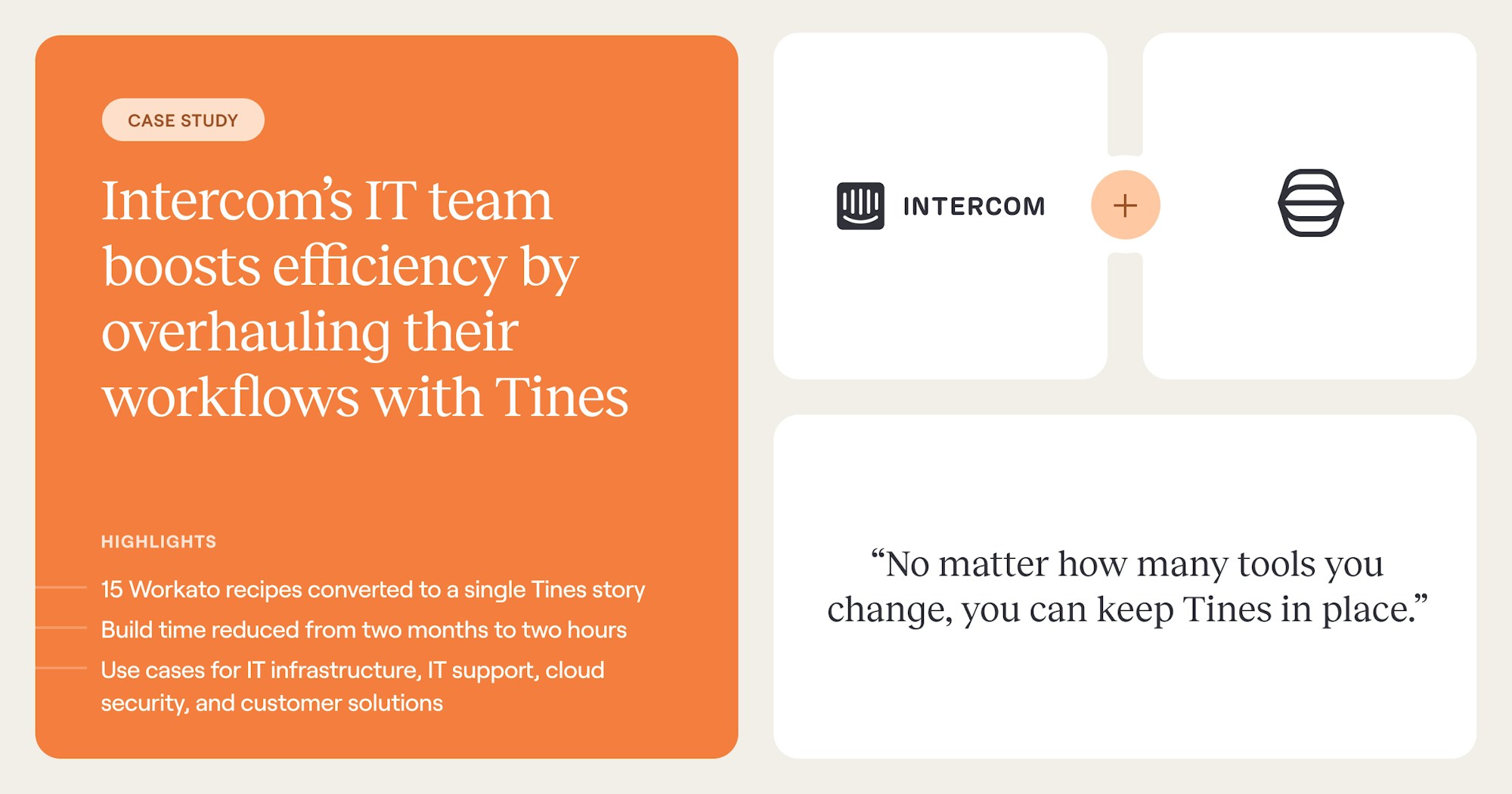
Intercom — onboarding workflow consolidation.
Intercom's IT team reduced build time from 2 months to 2 hours and consolidated 15 separate workflows into a single Tines Story, including the employee lifecycle automation that runs from Workday through Okta. The savings compound across every new hire.
Fortune Brands Innovations — visibility across identity, security, and IT.
Fortune Brands Innovations' security team saves a full week's worth of time each week and cuts tool health-check time by up to 99%, while also running Pages-based self-service for service desk tasks such as account lockout investigations.
Cross-team visibility matters here. When identity, security, and IT work on the same platform and can see the full provisioning state of a new hire, the gaps that lead to orphaned accounts, missed MFA enrollment, and audit findings become visible before they become problems.
These examples share a structural principle: the automation value compounds when onboarding, role changes, and offboarding all run through the same orchestration layer rather than separate systems per team.
Frequently asked questions about Automated employee onboarding
What happens when onboarding automation fails mid-workflow?
Partial provisioning is the primary failure mode: a workflow completes some steps but fails on others, leaving the user with an Active Directory account but no license and no email. A practitioner tutorial demonstrates how to insert deliberate 30-second delays between dependent provisioning steps to buffer against API timing variability.
How should contractor and temporary access differ from full-time employee provisioning?
Contractor provisioning uses time-bound access with automated expiration dates, limited privilege profiles, and monitoring that terminates automatically at contract end. The most effective pattern schedules offboarding at the time of onboarding, so access revocation does not depend on a human remembering the contract end date.
What is the realistic timeline to implement onboarding automation?
Implementation timelines vary by approach. Basic automation launches faster than full identity governance deployments, while the timeline depends on the number of systems requiring integration, whether pre-built connectors exist, and the compliance requirements layered on top.
What does NIS2 require for employee onboarding and access provisioning workflows?
NIS2 Article 21 lists identity and access management among the baseline cybersecurity risk-management measures that in-scope entities must implement, including controls over how access is granted, modified, and revoked across the employee lifecycle. For onboarding workflows specifically, that translates into auditable provisioning records, enforced MFA at account creation, and timely deprovisioning on role change or separation. Teams running cross-team onboarding through an orchestration layer can satisfy these requirements with the same audit trail that supports SOC 2 CC6 and ISO 27001 A.5.15.