Before you can start collaborating on workflows, you’ll need to sign in to your Tines tenant.
🪄Tip
Once you sign up, you will be redirected to your free Community Edition Tines tenant! The URL of your tenant will resemble this: https://generated-name.tines.com. You will be greeted with the welcome page, where you will input your information:
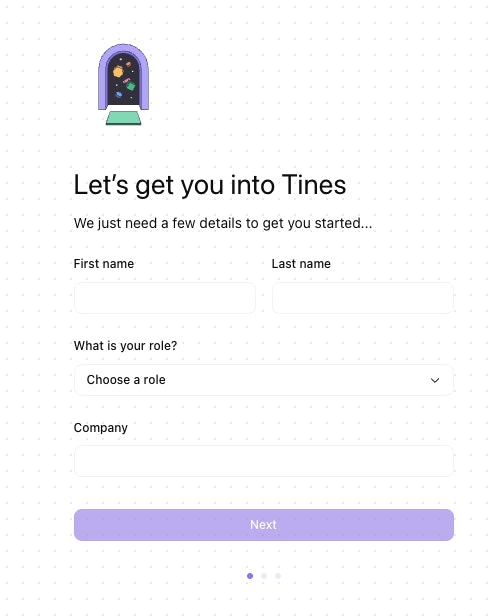
The sign-up form, where new users enter their details to get started.
Once you click Next, you'll be redirected to an interactive tutorial that guides you through creating your first story in Tines.