
Enterprise workflow automation has always promised the same thing: less manual work, faster execution, and teams freed from repetitive tasks. Yet across every generation of tools, from scripts to security orchestration, automation and response (SOAR), that promise has only been partially kept; each generation automated a slice of the work but left teams patching the gaps by hand. Each new wave solved one set of problems while quietly introducing another, leaving security and IT teams to absorb the difference through manual effort.
The reason is architectural. Automation built on deterministic-only logic cannot keep pace with environments that change constantly, where systems evolve, threats shift, and exceptions are the norm. The instinct to automate was always right, but the underlying execution model was the limitation.
This piece traces the generational arc from scripts to SOAR to understand why manual workflows persist and where each generation broke down. It also examines what the architectural shift toward intelligent workflow platforms means for security and IT teams making platform decisions in 2026. But let's start with the basics.
What is enterprise workflow automation?
Enterprise workflow automation is the use of software to coordinate and execute multi-step business processes across the systems, teams, and tools that an organization uses.
For instance, instead of analysts copying data between consoles, engineers running scripts by hand, or IT admins clicking through provisioning steps one application at a time, a workflow platform connects those systems through APIs and runs the sequence end-to-end. The goal is to make execution consistent, auditable, and repeatable at the scale at which modern enterprises operate.
In practice, this spans everything from security incident response and alert triage to employee onboarding, access requests, and compliance reporting. Modern intelligent workflow automation goes a step further by blending deterministic rules, AI-driven reasoning, and human approval steps inside a single governed workflow, so teams can automate the predictable parts while still applying judgment where it matters.
That mix is what separates today's intelligent workflow platforms from earlier generations, and it helps explain why so many manual processes have survived despite decades of automation tooling.
Why manual workflows became the enterprise default
Manual processes persist in enterprise security and IT operations not because teams lack automation tools, but because the tools they have create as much work as they remove.
The vast majority of SOC analysts struggle to keep up with the volume of alerts, and a significant share of security alerts go unaddressed. Analysts routinely context-switch between security tools during investigations, manually correlating data and executing containment actions one console at a time.
This pattern plays out across enterprises that connect dozens of different tools in an attempt to cover every gap. And while cybersecurity staffing has improved modestly year over year, the gap between work to be done and people to do it remains persistent rather than temporary.
The effect compounds:
Understaffing means every manual step consumes irreplaceable capacity
Alert volume ensures that manual capacity is never sufficient
Tool sprawl fragments the investigation context across systems that don't share data
Repetitive, undifferentiated manual work accumulates until teams default to the process they can control: doing it by hand.
How each generation of automation tried to fix the problem
Every generation of enterprise workflow automation addressed a real gap and hit an architectural ceiling that the next generation was built to overcome. The progression from scripts to SOAR follows a consistent pattern: each tool automated what its predecessor could not, then broke under conditions its architecture could not absorb.
Scripting and RPA (Speed without governance): Scripts in languages like Python and PowerShell were the first automation layer for discrete, predictable tasks, and RPA later extended this approach to the UI layer of legacy systems without APIs. Both broke easily when upstream systems or interfaces changed, required developer expertise to maintain, and left behind technical debt when the engineer who built them moved on.
iPaaS and BPM (Integration without intelligence): Business Process Management (BPM) platforms formalized process design with structured notation, role-based task assignment, and audit trails, but every meaningful process change required significant IT involvement. Integration Platform as a Service (iPaaS) became a key cloud integration layer, connecting applications via APIs at scale, but focused on moving data between systems rather than orchestrating decisions across them. Neither category had a native path to adaptive, agentic behavior.
Legacy SOAR (Orchestration without adaptability): SOAR emerged to bring orchestration, automation, and response together for security teams, but traditional playbooks struggled to keep pace with rapidly evolving threats and complex enterprise environments. By July 2024, Gartner labeled SOAR "obsolete before plateau" on its Hype Cycle. Features once exclusive to SOAR bled into Endpoint Detection and Response (EDR) and Security Information and Event Management (SIEM) tools.
The generation now emerging addresses SOAR's core limitation by treating deterministic rules, AI-driven reasoning, and human approval as interchangeable execution modes within a single workflow, rather than locking teams into rigid, pre-written playbooks.
Every generation of automation tooling was built to break this cycle. Understanding why manual work persisted anyway requires looking at what each generation actually solved, and what it left behind.
How AI agents, orchestration, and human-led execution changed the model
The shift underway changes the execution model itself, not just the integration layer. Legacy automation was deterministic: if X happens, do Y. It's reliable and auditable, but it depends on someone anticipating every scenario in advance. Agentic AI adds adaptive, reasoning-capable steps that interpret ambiguity, pull context from multiple sources, and make decisions within defined boundaries. Human-in-the-loop decision points insert people where judgment, accountability, or regulation requires it.
These three modes aren't competing alternatives. They operate as layers within the same workflow, where deterministic rules handle the predictable path, generative AI interprets unstructured inputs, and agents decide what to do next based on real-time observations. Orchestration is what holds the layers together. In a Forrester study by Tines, 88% said AI stays fragmented without orchestration, and that fragmentation is exactly what an intelligent workflow platform is designed to resolve.
These capabilities are production-validated. Agentic systems can triage alerts by reasoning about Indicators of Compromise (IOCs) and surrounding context without prewritten playbooks, and execute containment actions, such as isolating a compromised host, while preserving audit trails and human override.
But the limitations are equally real. Industry analysts warn that many agentic AI initiatives stall over unclear business value, escalating costs, or inadequate risk controls, and independent assessments of production deployments describe shallow rollouts and narrow use cases. Agents extend deterministic automation; they don't replace it.
That's why the orchestration layer matters more than any individual agent. Governance, authorization boundaries, least-privilege access, and full action traceability are what turn a capable model into a system that an enterprise can actually deploy, enabling deterministic, agentic, and human-led execution to coexist within a single workflow.
What intelligent workflow automation looks like in the enterprise
The market is moving from single-approach automation tools toward intelligent workflow platforms that support the full spectrum of execution on a single governed surface. At the enterprise level, that means the platform must treat all three execution modes as first-class options, selectable at each step within a single workflow rather than siloed in separate tools, with built-in authorization boundaries, least-privilege access, and action traceability for audit and regulatory alignment.
Organizations increasingly plan to add to or replace their workflow platform, and point tools are being absorbed into broader platforms when they serve only a single execution mode or team, a pattern already seen with BPM, RPA, and SOAR.
The question for buyers is whether a platform can govern AI agents with the same rigor it applies to deterministic processes, and whether workflows built for the SOC today can extend to IT, compliance, and business teams tomorrow.
In practice, enterprise intelligent workflows share a common shape regardless of vendor:
A trigger (webhook, scheduled, email, alert from a SIEM, EDR, HR system, or service desk) starts the workflow.
API integration steps include authenticating against external systems and executing the actual work.
Transform steps, parse and reshape data between actions.
AI steps interpret unstructured context, classify severity, and decide what to do next within defined boundaries.
Conditional branching routes predictable cases automatically and escalates exceptions.
Human approval gates insert people where judgment, accountability, or regulation requires it.
Governance, audit trails, and AI guardrails apply uniformly across every step, not just the rule-based ones.
Two patterns recur across enterprise deployments. The first is employee lifecycle and IT consolidation: a new-hire record lands in an HR system, account creation fans out across identity and collaboration tools, and exceptions route to a human approver instead of fragmenting into manual Slack messages.
Intercom's IT team illustrates what that shift looks like when an organization scales fast. As headcount grew, their onboarding and offboarding processes had splintered into a patchwork of single-purpose automations, each one tied to a specific tool or scenario and each carrying its own maintenance tax on the engineers who built them.
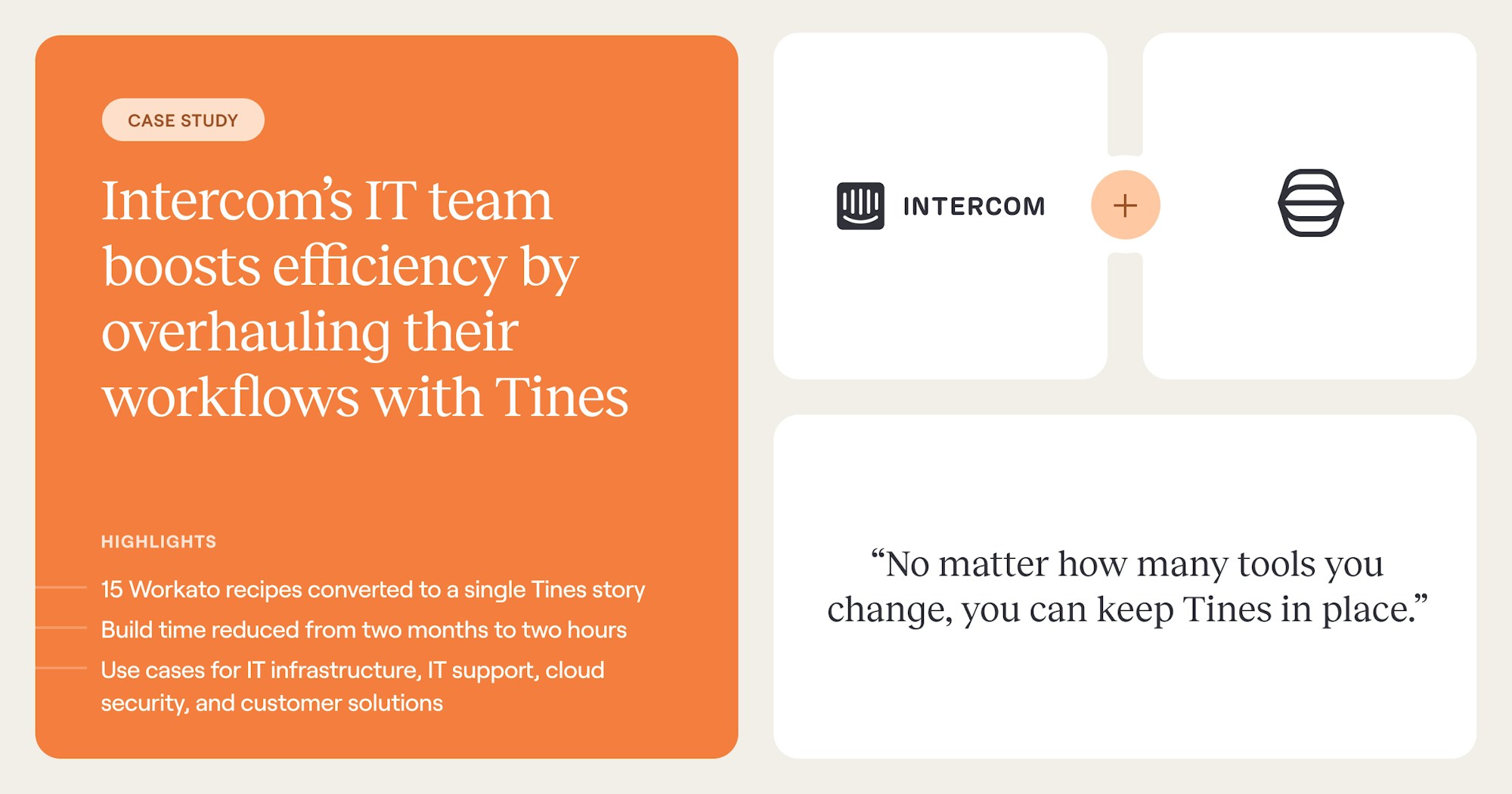
By rebuilding the process as a single, orchestrated workflow with conditional branches and human approval gates where warranted by exceptions, the team collapsed 15 separate workflows into one and cut build time from 2 months to 2 hours. This shift freed engineering capacity for higher-leverage work.
The second pattern is SOAR migration and multi-team rollout: an alert from a SIEM or EDR is ingested, AI steps classify ambiguous signals, and conditional branches either contain the threat or escalate to a reviewer with a full audit trail.
This matters because most enterprises on legacy SOAR aren't just swapping tools. They want to escape the burden of maintaining the playbook, extend coverage to adjacent teams, and add AI-driven triage without sacrificing governance.
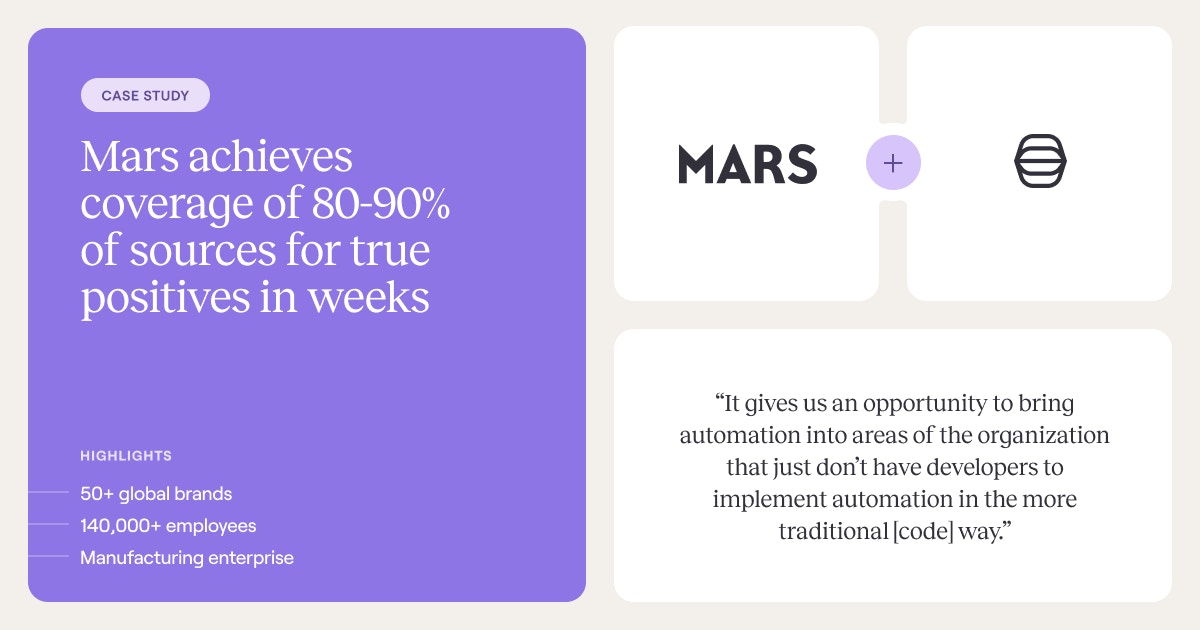
Mars shows that transition at enterprise scale. Migrating off Splunk Phantom, the security team rationalized 200 playbooks into 79 Stories by eliminating duplication and consolidating drifted logic.
The migration hit 100% within a defined window. Plus, because the new platform supported multiple execution modes on a single surface, the team onboarded 5 additional teams in 6 months and reached 80–90% true-positive coverage within weeks.
Where enterprise workflow automation is heading
Analysts expect rapid growth in enterprise adoption of AI agents, with multi-agent systems now ranked among the top strategic technology trends for the coming year. As that adoption accelerates, the orchestration layer that governs how agents coordinate, what they can access, and when they escalate to humans becomes the primary architectural decision, not the agents themselves.
The capabilities that define security-specific tools, such as API connectivity, conditional logic, and multi-system orchestration, are the same capabilities that IT, HR, and finance teams need.
Platform decisions made for the SOC today will either constrain or extend cross-team reach for years to come, because the muckwork security analysts face is structurally identical to the muckwork in IT, onboarding, and compliance.
The question isn't whether to automate. That was settled a generation ago. The real question is whether your orchestration layer can support deterministic, agentic, and human-led workflows together. It needs to govern AI agents with the same rigor as rule-based processes. And it must scale beyond a single team when adjacent departments need the same capabilities.
Tines is built for exactly that orchestration layer. It combines deterministic, agentic, and human-led execution on a single governed surface. And it brings the integrations, guardrails, and audit trails enterprise teams need to scale across the SOC, IT, and beyond.
Book a demo to see Tines in action, or start building for free in the Community Edition.
Frequently asked questions about enterprise workflow automation
What is the difference between enterprise workflow automation and RPA?
RPA (Robotic Process Automation) operates at the UI layer, mimicking human clicks and keystrokes to drive legacy applications that lack APIs. It works well for narrow, repetitive tasks but breaks when interfaces change and offers little in the way of decision-making or governance. Enterprise workflow automation operates at the API and orchestration layer, coordinating multi-step processes across systems, applying conditional logic, and increasingly blending deterministic rules with AI-driven reasoning and human approval steps inside a single governed workflow.
How do you build a business case for workflow automation?
A defensible business case starts with quantifying the cost of the manual work being absorbed today: analyst hours spent on alert triage, engineering time spent maintaining brittle scripts, and the opportunity cost of work that gets deferred because capacity is consumed by repetitive tasks. From there, model the expected reduction in time-to-resolution, the consolidation of overlapping point tools, and the cross-team reach of a single platform that can serve SOC, IT, and compliance use cases. The strongest cases pair hard metrics (hours saved, tools retired, mean time to respond) with qualitative gains such as reduced burnout, better audit posture, and faster onboarding for new teams.
What does enterprise workflow automation cost?
Pricing models vary across vendors and typically reflect some combination of workflow volume, integrations, users, and execution modes (deterministic, agentic, human-led). Beyond license cost, the more meaningful figure is total cost of ownership, which includes implementation effort, ongoing maintenance of playbooks or stories, the engineering tax of brittle integrations, and the cost of training teams on the platform. Buyers evaluating options should ask vendors for transparent pricing tied to outcomes and compare against the fully loaded cost of the manual work and point tools the platform is meant to replace.
How do you migrate from a legacy SOAR platform?
Successful SOAR migrations rarely involve a one-to-one port of existing playbooks. Most teams take the migration as an opportunity to audit what they have, eliminate duplication, and consolidate logic that has drifted across years of incremental edits. A practical sequence is to inventory current playbooks, identify the highest-value workflows to rebuild first, run the old and new platforms in parallel during a defined cutover window, and expand from the SOC into adjacent teams once the core use cases are stable. The goal is not just to swap tools but to escape the maintenance burden of rigid playbooks while adding AI-driven triage and broader cross-team coverage.