
IT and security teams are under mounting pressure, with workloads climbing and service desks fielding record ticket volumes. Organizations report year-over-year increases in ticket counts, while hiring budgets and analyst capacity stay flat.
The instinct is to throw more people at the queue or bolt a chatbot onto the service portal. Adding headcount doesn't scale when ticket volume grows faster than hiring budgets can keep up with. And bolting on a chatbot that deflects tickets by surfacing knowledge base articles the requester already tried only produces favorable metrics while leaving the underlying problem unsolved.
This article walks through where automation belongs in the ticket lifecycle, from AI classification at intake through deterministic enrichment and human-in-the-loop gates, all run through intelligent workflows on a governed platform.
What is service desk automation?
Service desk automation is the practice of using workflows to handle ticket intake, classification, enrichment, routing, and resolution steps without requiring manual intervention at every stage. It spans IT service management and security teams, anywhere a queue of requests or alerts needs to be triaged, contextualized, and acted on.
What matters is whether teams automate isolated tasks or run the full ticket lifecycle from intake to resolution through intelligent workflows. Rule-based routing assigns tickets on keyword matches. Workflows that combine AI classification with deterministic lookups and human approval steps within a single governed process do far more.
Platforms in this category, including Tines, treat AI Actions, HTTP Requests, and human approval steps as composable pieces of the same workflow, with logging and governance applied uniformly across each.
Recent service desk and enterprise service management research points to a broader shift from isolated automation toward orchestrated workflows that include AI, deterministic logic, and human oversight. Forrester frames the change in those terms, and in commissioned research, 88% of IT and security decision-makers said AI remains fragmented without orchestration.
An AI Action can now read a ticket, pull context, assess severity, and draft a recommended resolution, all within guardrails the team defines. Gartner predicts 40% of enterprise applications will feature task-specific AI agents by 2026, up from less than 5% in 2025. A ticket that once required manual preparation now arrives ready for action.
The problem with linear ticket workflows
Linear ticket workflows push every request through the same basic sequence: a user submits, a human triages, context is gathered manually, and resolution happens when the right person gets to it. The model was designed for an era with fewer tools, lower volumes, and smaller teams.
The structural problems compound as organizations grow. Triage becomes the bottleneck because classification and routing depend on a human reading the ticket. A password reset sits in the same queue as a production outage. Enrichment happens after assignment. The analyst who picks up a ticket spends time switching between systems to gather context. Routing errors cascade when a misclassified ticket is routed to the wrong team, bounces back, and the requester waits through every handoff.
When a meaningful percentage of tickets involve undifferentiated work, toil that adds no judgment or insight, that could be automated, the math adds up quickly across 10,000+ tickets per month. Tines' Voice of Security 2026 found security professionals spend 44% of their time on manual, repetitive work.
Security teams face even greater volume pressure as Security Operations Centers struggle to keep pace with the daily volume of alerts. So the real decision isn't whether to automate, but where in the ticket lifecycle automation pays off without creating new failure modes.
AI classification and routing at intake
One of the highest-leverage automation points is the first stage after a ticket lands. AI classification at intake removes much of the manual triage step that creates queue bottlenecks by reading the ticket body, assessing its attributes, and routing it to the right team before a human touches it.
In production, this works as a specific sequence.
A ticket arrives via email, the service portal, or a Slack message and triggers a Webhook.
An AI Action reads the ticket body along with metadata, requester's department, device type and prior ticket history pulled via HTTP Request Actions from the IT service management (ITSM) system.
It returns structured fields: category, subcategory, priority, and assigned team.
A Transform Action applies those fields to the organization's routing rules, and the ticket lands in the right queue, pre-categorized.
In Tines, each of those steps is a discrete Action inside a Story, which means classification logic, routing rules, and connected-system queries are all visible, version-controlled, and auditable rather than buried inside a vendor's black box.
AI classification and keyword matching are not the same thing. Keyword-based routing fails when users describe problems in unexpected language. AI classification handles natural language variation because it reasons over meaning rather than scanning for exact terms. If the analyst still has to re-categorize after AI classification, no value has been delivered.
In practice, teams often use confidence thresholds and human exception paths so low-confidence classifications do not continue down the automated route unchecked. Once classification is handled, the next step is enrichment: attaching the context an analyst needs before they ever open the ticket.
Deterministic enrichment before a human sees the ticket
Classification tells you what the ticket is. Enrichment supplies the context needed to resolve it. Deterministic enrichment workflows automatically attach context from connected systems to the ticket, so the analyst who opens it sees a complete picture rather than a starting point for manual research.
The workflow fires the moment the ticket is classified. HTTP Request Actions query Okta for the requester's current access and group memberships; pull the requester's role and reporting chain from BambooHR or Workday; check ServiceNow or Jira for related open tickets; and look up the application owner from a structured reference data store. A Transform Action then assembles the results into a structured summary appended to the ticket.
The pattern is deterministic because it follows fixed rules: if the ticket is an access request, run these five lookups. No AI reasoning involved, no ambiguity about what to query. The value comes from executing reliably at machine speed across every ticket.
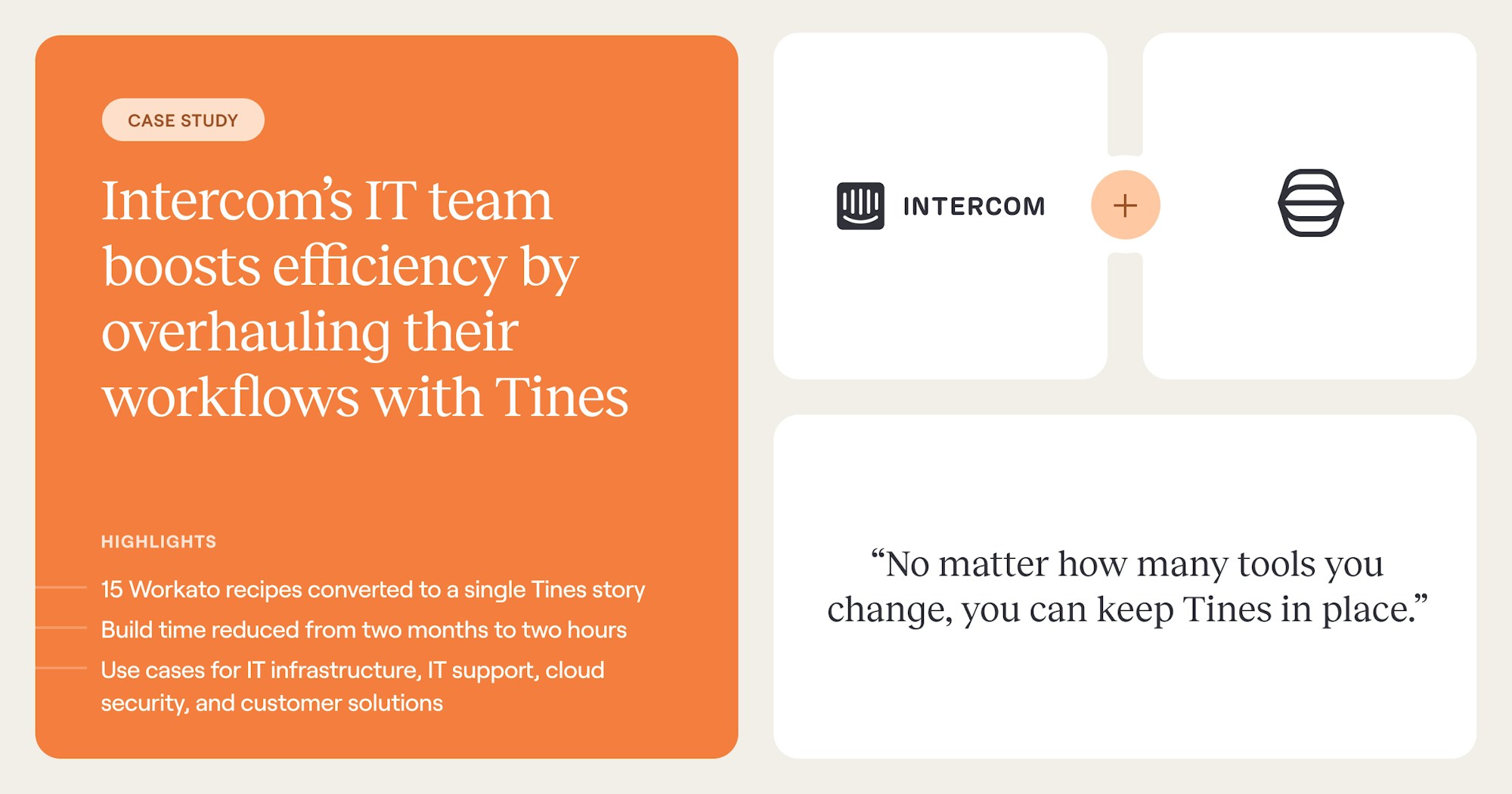
Intercom's IT team consolidated 15 separate workflows into a single orchestrated workflow on Tines, reducing build time from 2 months to 2 hours during their proof of concept. The enrichment step is also where governance begins to matter.
Every HTTP Request Action that queries a connected system creates a logged, auditable record of what data was accessed and when. The audit log isn't optional for teams facing compliance reviews. With tickets classified and enriched, the remaining question is where humans belong in the workflow.
Human-in-the-loop at the points that need judgment
Not every step in a service desk workflow should be automated. Human-in-the-loop (HITL) design places people at the specific decision points where judgment, authority, or accountability is required, and automates everything else.
In practice, teams typically draw the trust boundary by action type rather than by confidence score. Classification, enrichment, and routing are widely automated. Irreversible or high-blast-radius actions, account disablement, data deletion and access changes to sensitive systems require human approval. Established AI agent design guidance consistently emphasizes placing approval gates at key workflow stages and specific actions rather than within an agent's internal reasoning loop.
In practice, a HITL step looks like this: the automated portion classifies the ticket, enriches it, and drafts a recommended action. The workflow then posts the enriched summary and recommendation to the responsible team in their channel of choice, with approve and deny options attached. The workflow pauses until a human responds. In Tines, this is implemented as a Send to Page or chat-app prompt Action that holds workflow state until the responder clicks through.
Upon approval, the downstream steps automatically execute the change. On denial, the ticket routes to an exception queue with the reason attached. The common failure mode is placing either too many or too few gates. Too many, and analysts spend their day clicking approve on low-risk actions that should have been automated.
Too few, and a consequential action executes without the right authority. Teams should match branching logic to the action's blast radius, with lower-risk actions logged or notified and higher-risk actions paused for interactive approval.
Intelligent service desk workflows in production
The patterns above, AI classification, deterministic enrichment and human-in-the-loop gates, combine differently depending on the use case. Below are two workflow examples that reflect how teams run service desk automation in production.
Automated access request fulfillment
An employee submits an access request through an internal form, selecting the application, justification, and urgency level. The form submission fires a webhook that triggers the workflow. From there, automated lookups query the identity provider for the requester's current group memberships and the HR system for their role and department.
The workflow then compares the request against a stored approval policy. If the request matches a pre-approved pattern, the workflow provisions access directly through the identity provider and sends a confirmation email to the requester.
If the request requires manager approval, the enriched request is sent to the manager with one-click approve or deny options. On approval, provisioning executes automatically, and the originating ITSM ticket closes with the audit trail attached.
The result: what used to be a multi-day, multi-handoff process becomes a self-service experience for the requester and a near-zero-touch process for IT, with every step logged for review. This is the pattern that Intercom's IT team and similar non-security functions use to reduce queue time without sacrificing oversight.
Security alert triage with AI-assisted investigation
A detection fires in the endpoint protection platform and lands via webhook in the triage workflow. Automated lookups enrich the alert with threat intelligence reputation data for any flagged hashes or domains, pull the affected host's details from the configuration management database (CMDB), and check the case management system for prior alerts involving the same endpoint.
An AI step then reads the enriched payload, assesses severity based on the indicators and organizational context, and returns a structured recommendation with a risk rating, suggested containment action, and a plain-language explanation.
Low-confidence or high-severity recommendations route to the on-call analyst in their preferred messaging channel, with the full enrichment summary and a link back to the case. The analyst confirms, or overrides in one click, and the workflow executes the chosen response path, whether that's isolating the host through the endpoint platform, disabling the user account in the identity provider, or closing the alert with notes.
In cross-team setups, this pattern lets security and IT functions analyze and suppress a large share of weekly alerts while automatically running identity onboarding tasks that previously required off-hours manual steps.
Across these patterns, the common thread is that automation handles the undifferentiated work, while humans engage where their judgment can change the outcome. The Story does not replace the analyst. It removes the manual preparation that precedes every decision.
Where service desk automation is heading
The service desk is shifting from a reactive ticket-processing function toward an orchestration layer that connects AI, deterministic logic, and human judgment in a single governed workflow. The future of the service desk is AI-orchestrated rather than AI-driven. AI-orchestrated means the AI is one component in a larger workflow that includes deterministic steps, system integrations, and human decision points.
The governance question will determine which implementations survive. Gartner predicts over 40% of agentic AI projects will be canceled by the end of 2027 due to escalating costs, unclear business value, or inadequate risk controls. The practitioner community's non-negotiable list, allow-listed actions, human approval for consequential changes, least-privilege access, audit logging, and kill-switch capability, maps directly to the governance requirements that separate production-grade automation from stalled pilots.
The platforms that survive that filter will be the ones that treat deterministic execution, AI reasoning, and human oversight as first-class citizens of the same workflow rather than as bolt-ons. On platforms like Tines, the intelligent workflow platform, every action is logged; AI actions are governed the same way as deterministic actions; and approval requirements are enforced through human-in-the-loop gates rather than relying on the AI to police itself.
Deterministic workflows handle the predictable bulk of ticket processing; agents handle classification and investigation steps that require reasoning; and HITL steps handle approvals and exceptions, all within the same Story.
Building a service desk that scales with demand
The service desk became a bottleneck because the tools built for ticket management couldn't keep up with the volume, complexity, and cross-system dependencies of modern IT and security environments. Fixing that requires rethinking the workflow from intake to resolution as a governed, connected process where AI, deterministic logic, and human judgment each play their appropriate role.
That rethink is what produces the outcomes documented in the Intercom IT and Brex case studies: build time measured in hours rather than months, alert suppression rates in the 90% range, and onboarding workflows that no longer require manual intervention at 5 a.m. The shared ingredient is a workflow design that connects intake, enrichment, and action across all relevant systems without forcing analysts to serve as the connective tissue.
If a service desk is still running linear workflows where every ticket waits for manual triage, the opportunity cost adds up quickly over the course of a month. Teams ready to test the pattern on their own data can start in the Tines Community Edition.
Frequently asked questions about service desk automation
What is the difference between service desk automation and a chatbot?
A chatbot handles the interaction layer: it collects user input and surfaces knowledge base articles. Service desk automation handles the workflow layer: classification, enrichment, routing, approval, and resolution across connected systems. A chatbot might help a user describe their problem. Automation ensures the ticket gets classified, enriched with data from Okta and ServiceNow, routed to the right team, and resolved without manual handoffs at every stage.
How do teams measure whether service desk automation is working?
Capture baselines before deployment: mean time to resolution (MTTR), backlog size, first-contact resolution rate, and end-user satisfaction. After deployment, track the same metrics alongside automation-specific measures, such as the percentage of tickets auto-classified correctly and the percentage resolved without human intervention. Deflection rate alone is unreliable. A ticket that is deflected to a knowledge article the user has already tried is not a resolution.
What tickets should not be automated?
Any action that is irreversible, high-blast-radius, or requires authority beyond the automation's scope should include a human approval step. Classification, enrichment, routing, and low-risk resolutions (password resets, VPN certificate renewals, standard software provisioning) are strong candidates for full automation.
Why are so many agentic AI projects being canceled, and what does that mean for service desk automation?
Gartner attributes the projected 40%+ cancellation rate by 2027 to escalating costs, unclear business value, and inadequate risk controls. For service desk automation, the implication is direct: agentic features that cannot be governed, audited, or stopped will be pulled before they pay back. Projects that treat AI as one Action inside a logged, approval-gated workflow tend to clear those filters; projects that hand the AI agent autonomous control over ticket resolution and external systems tend not to.
What do IT and security teams gain from running service desk and SecOps automation on the same platform?
Shared connectors, shared governance, and shared workflow primitives. When an access request workflow lives next to an alert triage workflow on the same platform, the IT team's offboarding Story can trigger the security team's account-disablement Story without a custom integration, and both share the same audit log, approval patterns, and on-call routing.