Not every workflow follows a straight line. Sometimes you need to add logic, make decisions, or route events down different paths based on specific conditions. The action below helps you control how data flows through your story. It enables you to integrate decision-making into your story, allowing it to respond appropriately to various scenarios, just as a human would when evaluating information and deciding what to do next.
Condition action
The Condition action decides whether or not the next step in a story should run, based on conditions you define.
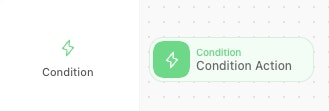
Visual of the Condition action. It is identifiable as a green tile on the storyboard.
What it does: Creates branches in your workflow based on conditions.
When to use it: When you need different things to happen based on specific criteria.
How it works: Evaluates incoming events and acts based on set conditions met/not met.
💡 Real-world example: Route high-severity alerts to the security team for immediate action, and log lower-priority ones for later review.