Automation doesn't happen in isolation. Your workflows need to communicate with people and systems to gather input, share updates, and keep teams informed. The actions below help you send and receive information via email, one of the most widely used communication channels in any organization. Whether you're kicking off a story from an incoming email message or notifying stakeholders about important events, these actions keep your workflow connected to the people who rely on it.
Receive Email action
The Receive Email action allows Tines to receive and process incoming emails. When a message arrives at a configured inbox, it becomes a new event in your story.
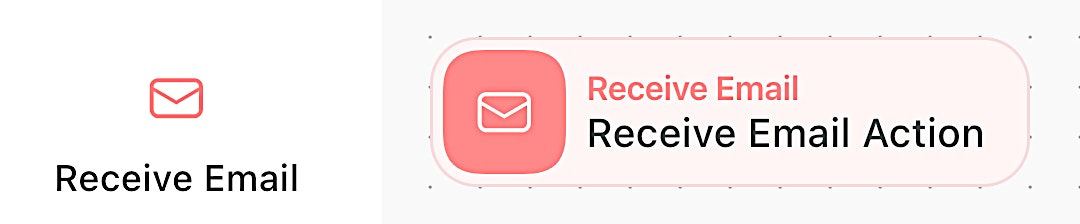
Visual of the Receive Email action. It is identifiable as a red tile on the storyboard.
What it does: Watches for incoming emails to kick off workflows.
When to use it: When email communication should start an automated process.
How it works: Connects to an existing mailbox to monitor for new messages.
💡 Real-world example: Monitor a support inbox for incoming tickets.
Send Email action
The Send Email action lets your story communicate with people via email directly from your story.
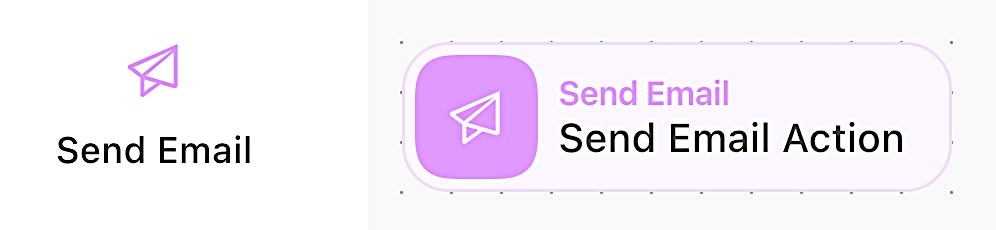
Visual of the Send Email action. It is identifiable as a magenta tile on the storyboard.
What it does: Delivers emails with customizable content, supporting HTML.
When to use it: When you need to notify people or systems via email.
How it works: Formats and sends emails with subjects, body content, and even attachments.
💡 Real-world example: Send a summary report to executives with the end-of-week metrics.