Exporting records data is essential for external analysis, executive reporting, or compliance documentation. The export captures exactly what you see in the table view, including all applied filters and column arrangements.
How to export records:
Navigate to the records table for the record type you want to export.
Apply any filters or column arrangements you need.
Click the three-dot menu.
Select Export table.
The data will be exported as a CSV file.
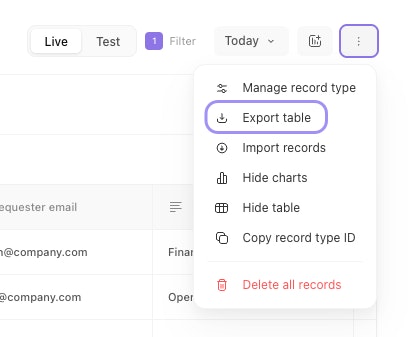
The three-dot menu in the records table with the Export table option highlighted.