

Tines is vendor-agnostic and interoperability is core to our intelligent workflow platform. With each iteration of AI agents in Tines, we’re extending that interoperability. Today, that includes MCP support in the AI Agent action.
ℹ️Info
What is an MCP client?
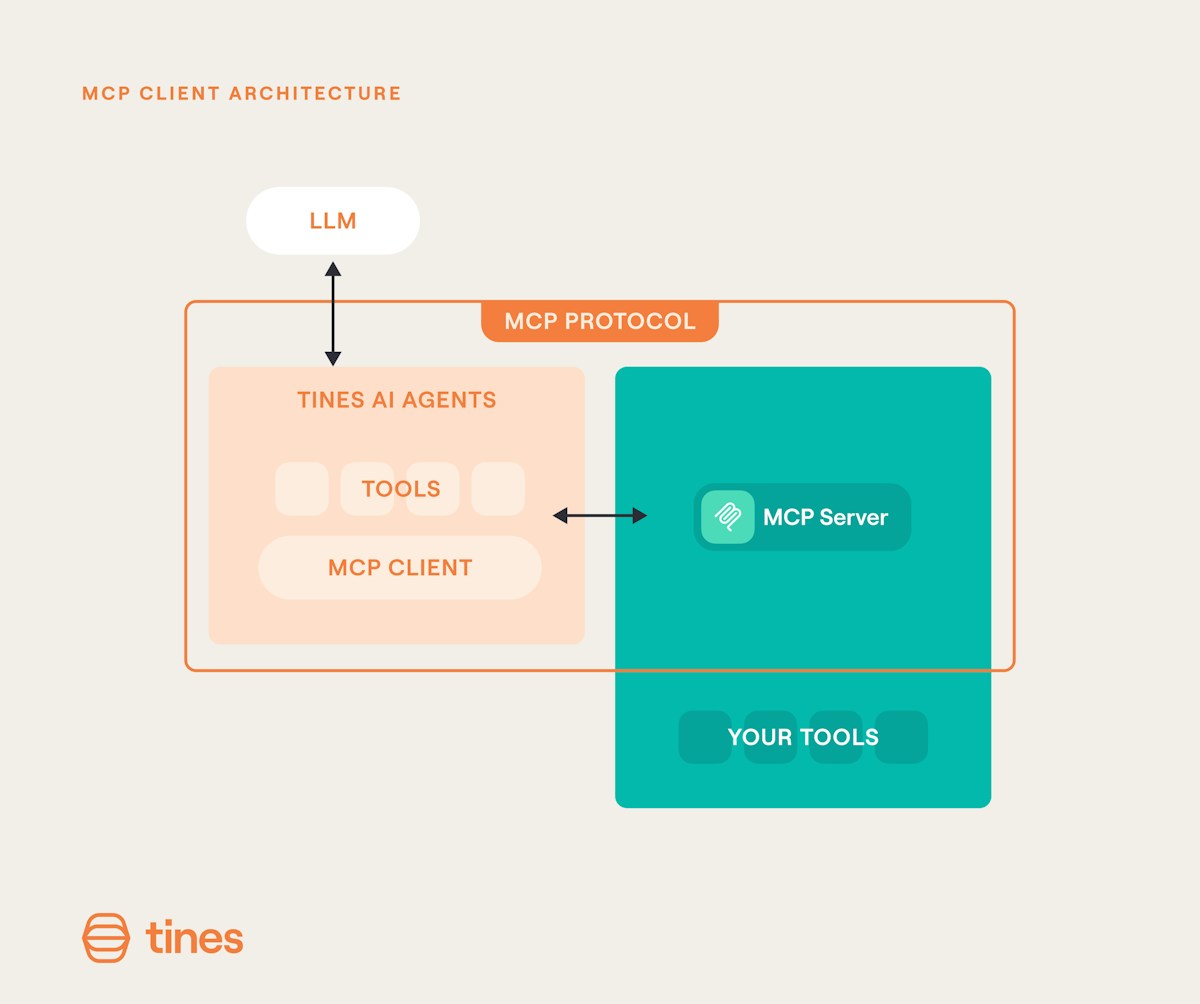
An MCP client is the recipient of data from an MCP Server (learn about MCP servers in our blog post here). You might be wondering, if Tines offers MCP server abilities, why would I need MCP client abilities as well?
Well, I’m glad you asked. There are instances where you’ve set up or plan to set up an MCP server in another system. Attaching an MCP server as a tool to the AI Agent action allows you to interact with your existing tools and preferred server.
How to configure MCP clients in the AI Agent action?
Connecting to an MCP server is straightforward. Once configured, any tools exposed by that server automatically appear in your AI Agent action alongside your existing tools – whether they're Send to Story, template, or custom tools. Your agent can then invoke these MCP tools just like any other attached tool.
It supports:
Transports: Streamable HTTP and plain HTTP
Authentication: Bearer tokens and generic header authentication
Configuration: Fully customizable headers
Features: Tools (the core building blocks for agent interactions)
We’ll continue evolving MCP functionality in Tines as the space evolves.
What will you integrate?
We’ve always taken an unopinionated stance about your stack. Acting as an MCP client ensures we support your AI programs regardless of where your MCP server lives. We look forward to hearing what you integrate with your AI agents in Tines.