Reusable themes for pages
Pages


Tines offers a variety of ways to customise the look of your pages. Now it's easier than ever to share visual preferences between your pages with themes.
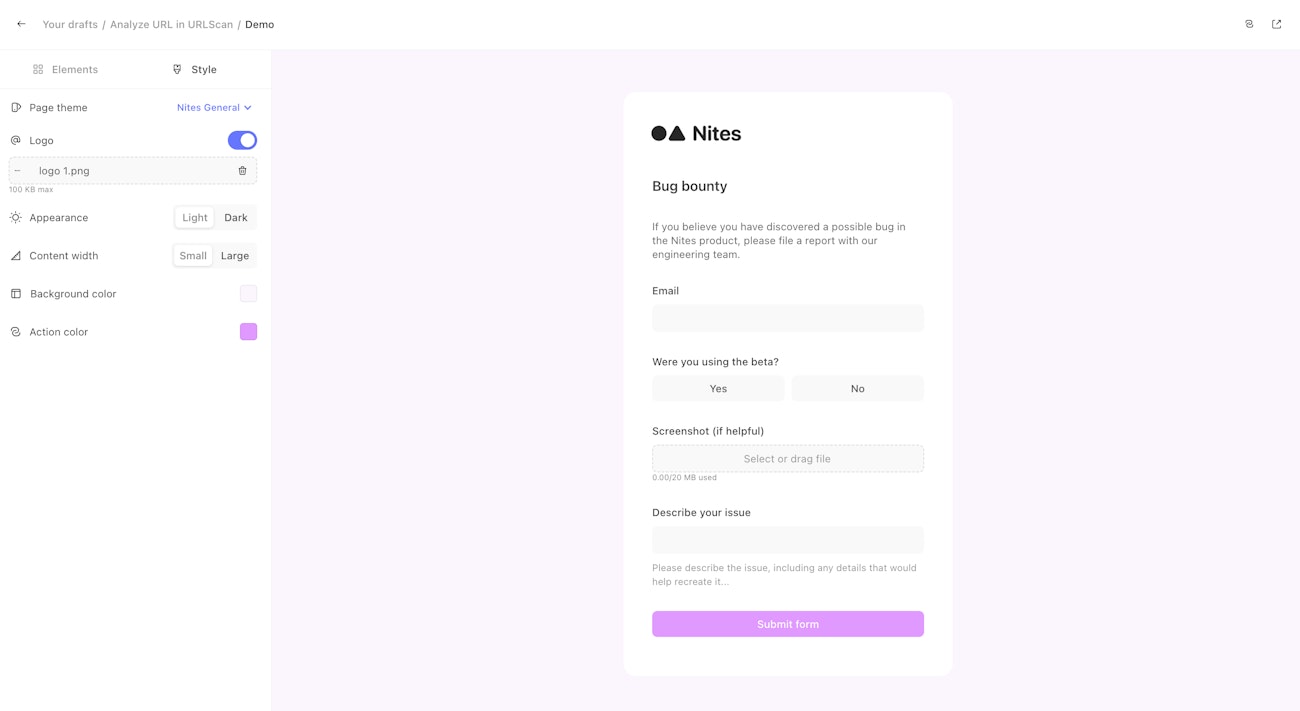
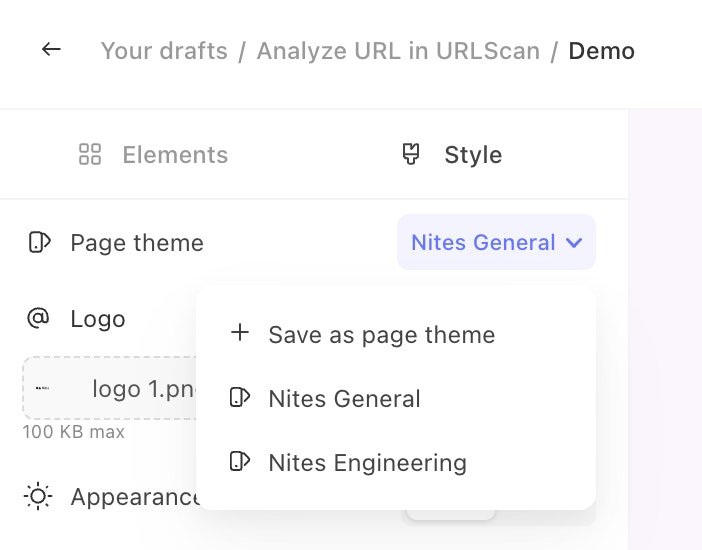
Themes store the logo, colour, and width settings for a page so they can be applied to other pages. You can create a new theme by opening an existing page and clicking on the theme dropdown. Then you can apply that theme by navigating to another page and selecting that theme from the same dropdown.
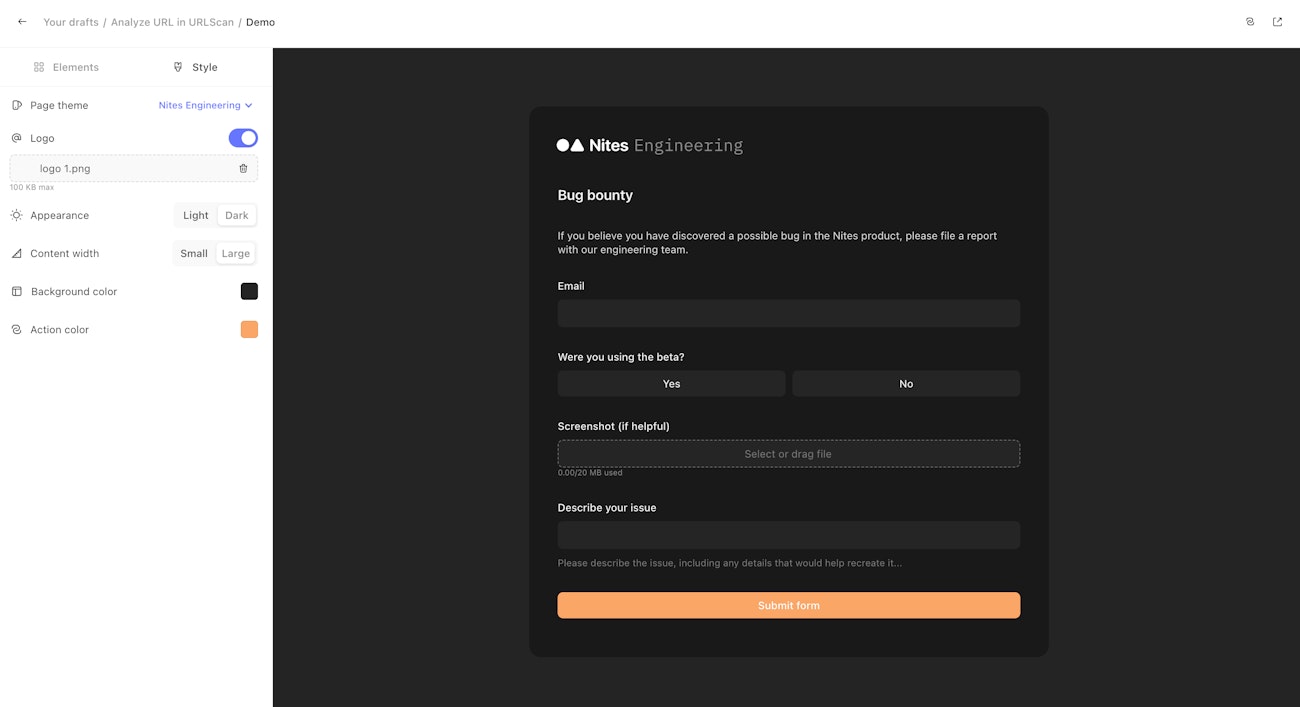
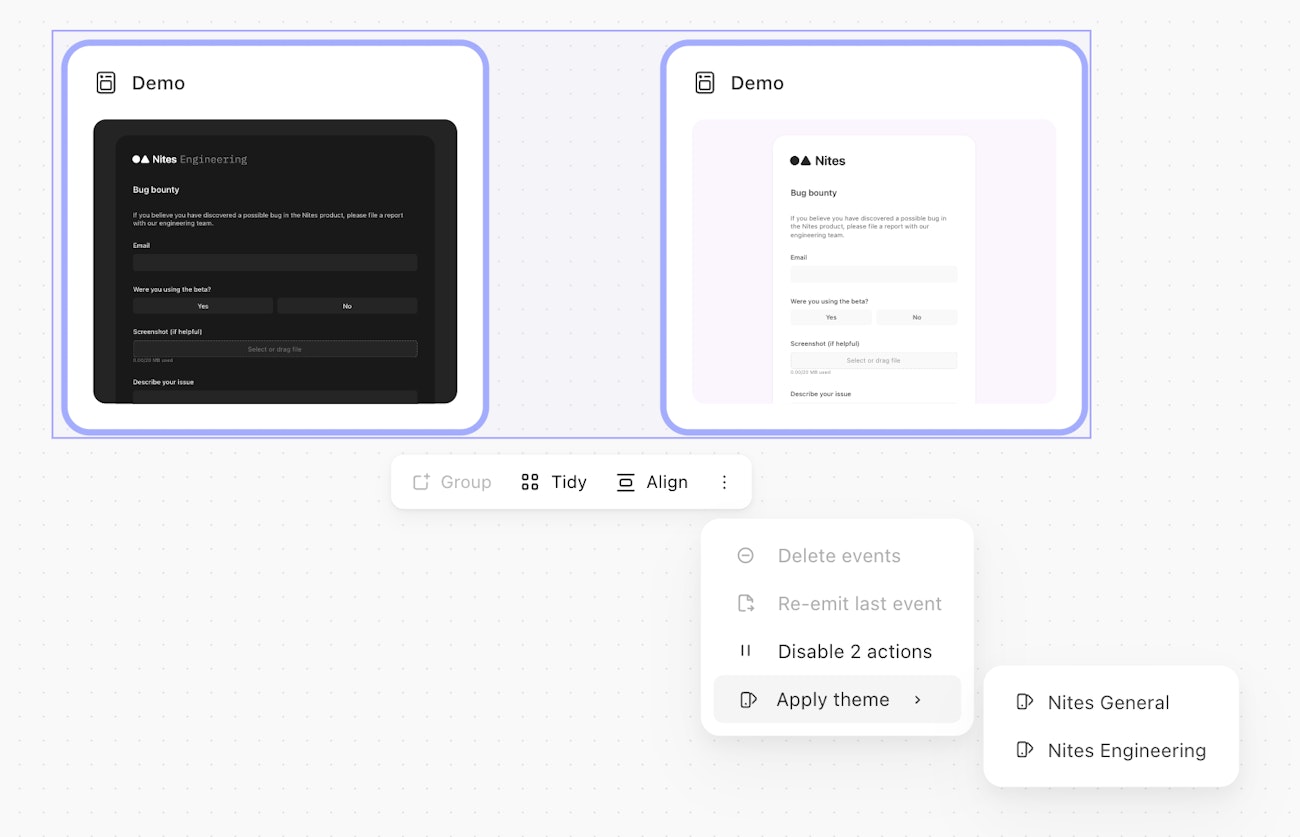
You can also apply themes to multiple pages in the same story through the action bar.