Before you can start collaborating on workflows, you’ll need to sign in to your Tines tenant.
🪄Tip
Once you sign up, you will be redirected to your free Community Edition Tines tenant! The URL of your tenant will resemble this: https://generated-name.tines.com. You will be greeted with the welcome page, where you will input your information:
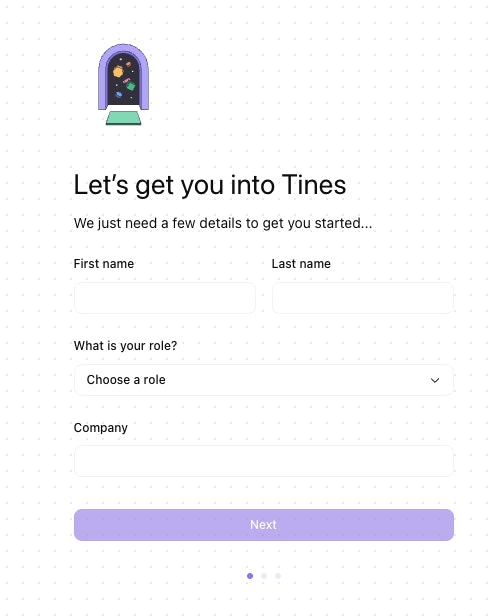
Welcome page when first signing into your Tines tenant.
Once you click Next, you will be redirected to an interactive tutorial that guides you through creating your first story in Tines.