Your chat history is useful for finding previous conversations and revisiting past work.
Search chat history
Use the search function to find conversations by keyword. Search scans conversation titles and message content, making it easy to locate specific discussions even when you can't remember which conversation they were in.
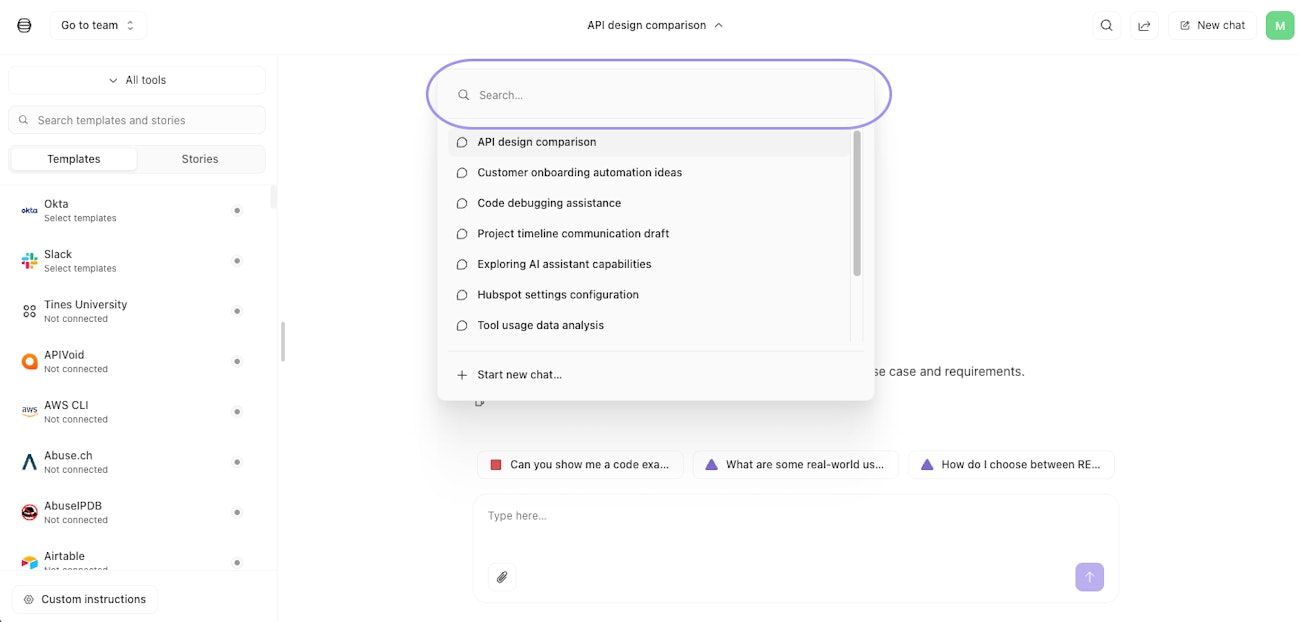
The chat history dropdown showing the search field, a list of previous conversations, and the option to start a new chat.
Rename conversations
Workbench generates conversation titles based on your first message, but you can rename them to make them easier to find later. Good names are descriptive, specific enough to distinguish from other conversations, and consistent with how you prefer to organize things. For example:
"Building user provisioning workflow"
"Troubleshooting Jira integration"
"Q4 security metrics analysis"
Delete conversations and chat retention
You can delete conversations you no longer need. This helps keep your chat history tidy and removes conversations with sensitive information you don't want to keep.